
Table of Contents
You launched the chatbot. Conversations are flowing, the team is happy, and the dashboard shows thousands of messages. But one question keeps coming back from leadership: is the bot actually working?
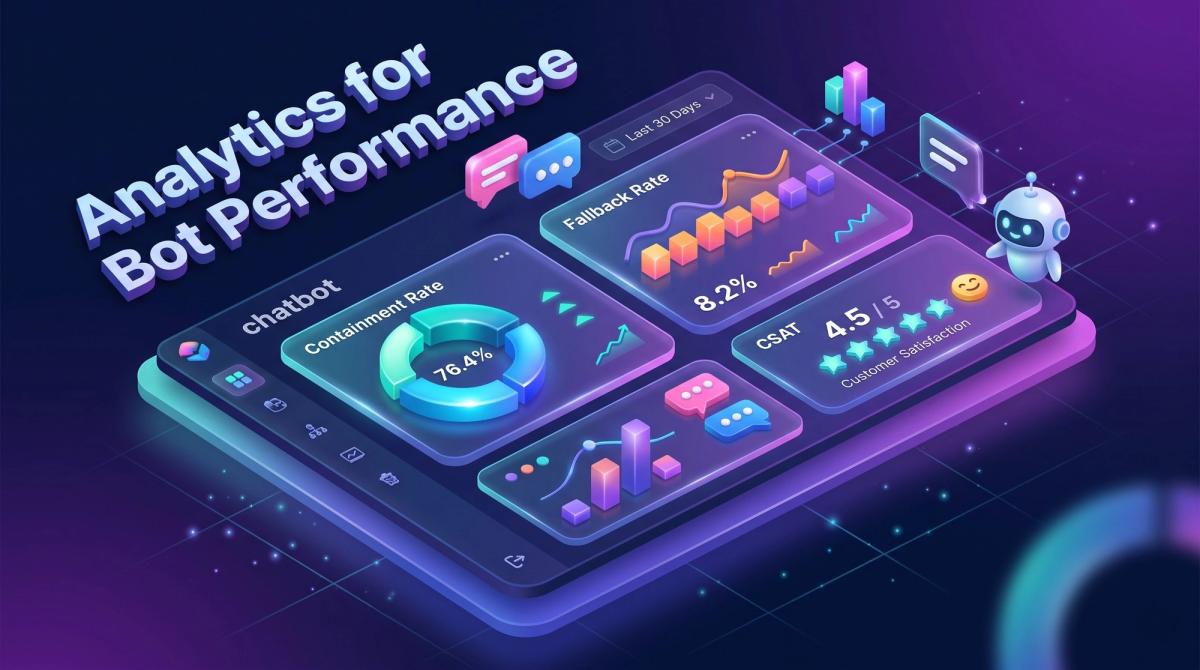
Answering that question is what analytics for bot performance is all about. Without it, a chatbot is a black box. You cannot tell whether users get answers, where they give up, or whether the bot saves money or quietly annoys customers.
This guide explains bot performance analytics in plain language. You will learn which metrics matter, how to set up tracking, and how developers, testers, marketers and product leaders can use the data to make a bot measurably better.
What Is Bot Performance Analytics?
Bot performance analytics is the practice of collecting, measuring and interpreting data from chatbot and voicebot conversations. The goal is to understand three things:
- Is the bot understanding users? (language understanding)
- Is the bot solving problems? (task outcomes)
- Is the bot worth the investment? (business impact)
It is related to web analytics, but it is not the same. A website visitor clicks and scrolls. A bot user talks, and every message carries intent, emotion and context. That makes conversational AI analytics richer, and also harder to read.
Why Bot Analytics Matters for Every Role
Different teams care about different outcomes, and good chatbot analytics serves all of them:
- CTOs and product managers need proof of ROI, cost per conversation and risk control.
- Developers need error logs, latency numbers and failed API calls to debug quickly.
- Testers and QA engineers need repeatable benchmarks to catch regressions after every model or content update.
- Digital marketers need to know which campaigns bring chat leads, and whether those leads convert.
- Researchers need clean conversation data to study intent patterns and model behaviour.
One shared set of numbers keeps all these groups aligned.
The Core Chatbot Metrics You Should Track
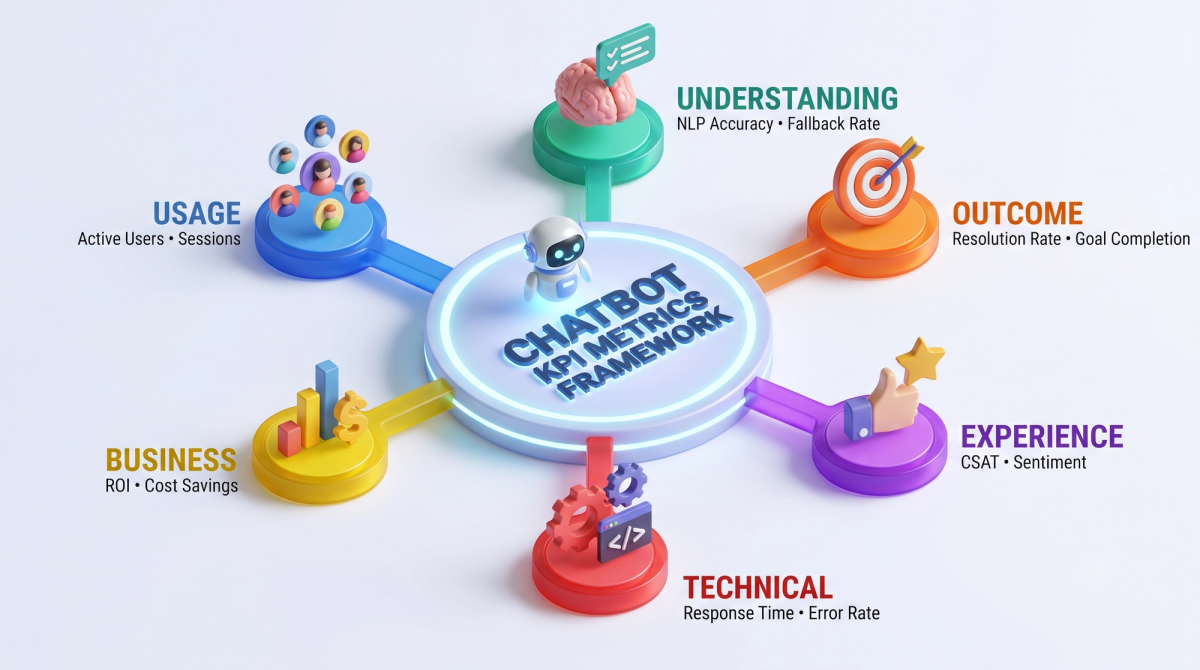
There are dozens of bot metrics, but they fall into six groups. Start with a few from each group instead of tracking everything.
1. Usage metrics: are people using the bot?
- Total sessions and unique users: the basic reach of your bot.
- Returning users: a sign that the bot is useful enough to revisit.
- Average session length and messages per session: very short sessions may mean quick wins or quick failures, so always read them next to outcome metrics.
2. Understanding metrics: does the bot "get it"?
- Intent recognition accuracy: the share of messages where the bot picks the correct intent.
- Fallback rate: how often the bot says some version of "Sorry, I didn't understand."
Fallback rate = fallback responses ÷ total bot responses × 100
A rising fallback rate is the clearest early warning that users are asking things your bot was never trained or configured to handle.
3. Outcome metrics: does the bot finish the job?
- Containment rate: the share of conversations fully handled without a human.
- Resolution rate: the share of conversations where the user's problem was actually solved. This is stricter than containment, because a user who gives up is "contained" but not helped.
- Goal completion rate: bookings made, forms submitted, orders tracked or leads captured.
- Human handoff rate: how often the bot passes the chat to an agent.
Containment rate = conversations resolved by bot ÷ total conversations × 100
Watch this trap: a high containment rate with a low resolution rate means users are abandoning the bot, not being served by it.
4. Experience metrics: how do users feel?
- CSAT (customer satisfaction): a quick thumbs-up or 1-5 rating after the chat.
- Customer effort score: how hard was it to get help?
- Sentiment trend: whether messages turn negative as the conversation continues.
- Drop-off points: the exact step where users leave.
5. Technical metrics: is the bot healthy?
- Response latency: how long users wait for an answer.
- Error and timeout rate: failed API calls, broken integrations, crashed flows.
- Uptime: availability across channels such as web, WhatsApp and mobile apps.
- Cost per conversation: infrastructure and model usage cost, which matters a lot for LLM-based bots.
6. Business metrics: is it worth it?
- Cost savings: agent hours saved multiplied by hourly cost.
- Leads generated and lead quality: how many chats turn into sales conversations.
- Revenue influenced: orders or sign-ups that began in chat.
Tip: Choose one "north star" metric per business goal. For support bots it is often resolution rate. For sales bots it is qualified leads per 100 conversations.
Metrics for LLM and Generative AI Bots
Bots built on large language models need a few extra checks, because they can sound confident and still be wrong:
- Groundedness or hallucination rate: how often answers include claims not supported by your knowledge base.
- Answer accuracy on a test set: a fixed list of questions with approved answers, scored regularly.
- Policy and safety violations: responses that break brand, legal or safety rules.
- Escalation correctness: whether the bot hands off sensitive topics instead of improvising.
Human review of a small random sample each week is still the most reliable way to measure these.
How to Set Up Analytics for Bot Performance: 7 Steps
Step 1: Define goals before dashboards
Write down what success looks like in one sentence, such as "reduce ticket volume by handling order-status questions". Every metric you track should connect to a goal like this.
Step 2: Instrument your events
Log a structured event for every meaningful moment: conversation started, intent detected, fallback triggered, hand off requested, goal completed, feedback given. A simple event might look like this:
{
  "session_id": "a91f-22c0",
  "timestamp": "2026-10-08T10:42:00Z",
  "channel": "web",
  "event": "fallback_triggered",
  "intent": "order_status",
  "confidence": 0.41,
  "user_turn": 3
}
Consistent event names are the foundation of reliable bot analytics. Agree on a naming convention early and document it.
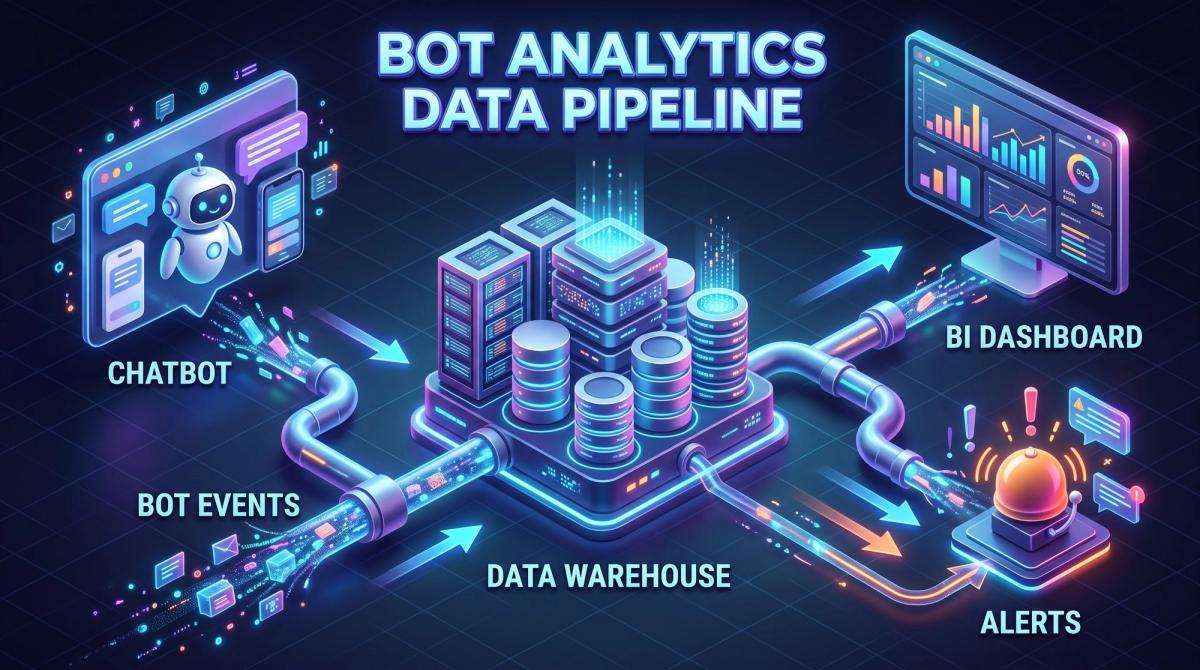
Step 3: Build the data pipeline
Send events to a warehouse or analytics tool, then connect a dashboard tool. Many teams combine Google Analytics 4 or Mixpanel for behaviour, the bot platform's own reports (such as Dialogflow, Rasa or Botpress dashboards), and a BI tool such as Looker Studio, Power BI or Grafana for combined views.
Step 4: Create role-based dashboards
Do not build one giant dashboard. Build three small ones:
- Executive view: resolution rate, cost per conversation, CSAT, leads.
- Operations view: handoff rate, queue impact, peak hours, channel mix.
- Engineering view: latency, errors, intent confidence, failed integrations.
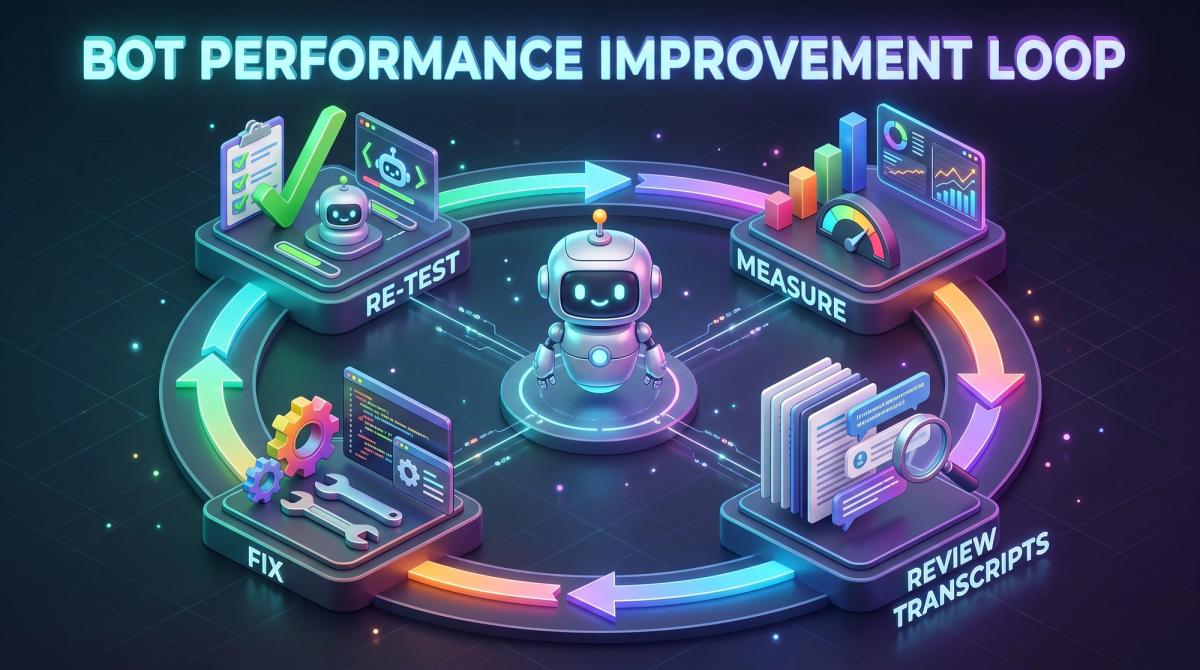
Step 5: Read real transcripts every week
Numbers tell you what is wrong, and transcripts tell you why. Review a sample of failed and low-rated conversations weekly. Group the problems into themes: missing content, confusing wording, broken flow, wrong intent.
Step 6: Test changes before and after release
Create a "golden set" of test conversations that cover your top intents and edge cases. Run it after every change to training data, prompts, or flows. Compare accuracy, fallback rate and latency with the previous version. For a deeper look at the auditing mindset behind this, our technical SEO audit checklist shows how a repeatable checklist keeps quality steady.
Step 7: Set alerts
Do not wait for a monthly report. Set alerts for sudden jumps in fallback rate, error rate or latency, and for drops in CSAT. Fast alerts turn small bugs into small fixes.
Reading the Conversation Funnel
A conversation funnel shows where users progress or drop off, for example: greeting, question asked, answer shown, follow-up, goal completed. It is the quickest way to spot friction.
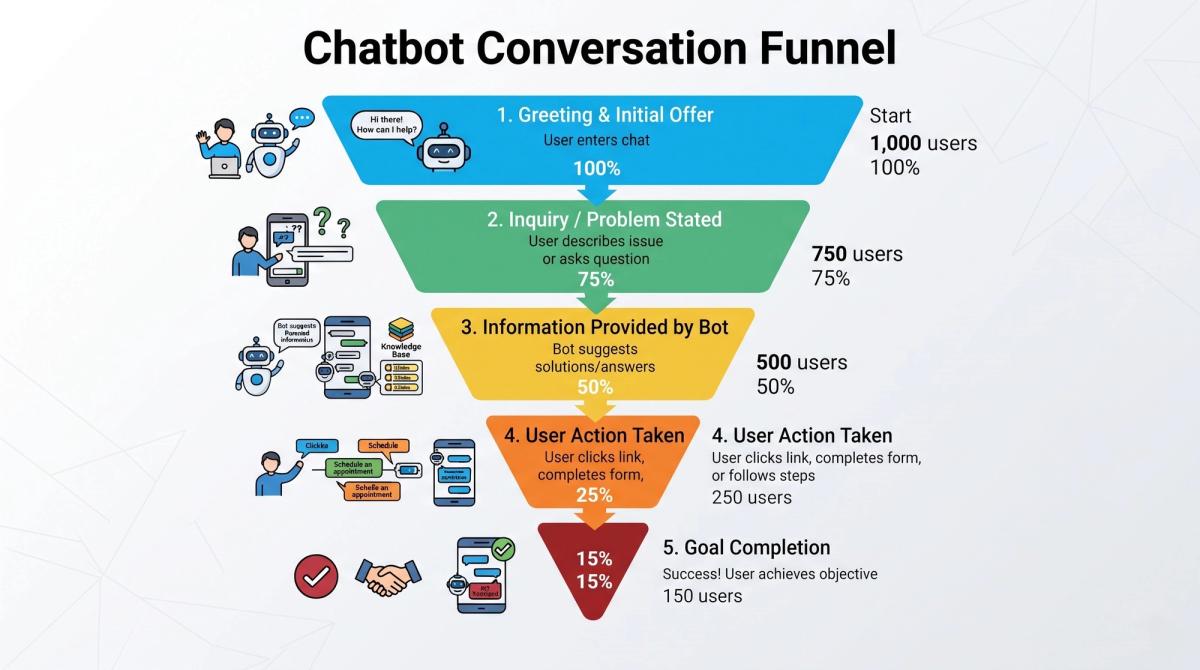
If most users leave right after the first answer, your answers may be too long, too vague or off-topic. If users repeat the same question three times, the bot is not understanding them. These patterns are invisible in a plain "total chats" number.
How to Reduce Fallback Rate: A Quick Playbook
Fallback rate is one of the most actionable bot metrics. Here is a simple routine:
- Export all fallback messages from the last 30 days.
- Cluster them by topic. Most fall into five to ten themes.
- For each theme, decide: add a new intent, improve existing training phrases, add knowledge-base content, or route to a human.
- Fix the top three themes first, because they usually cause the largest share.
- Re-measure after one to two weeks.
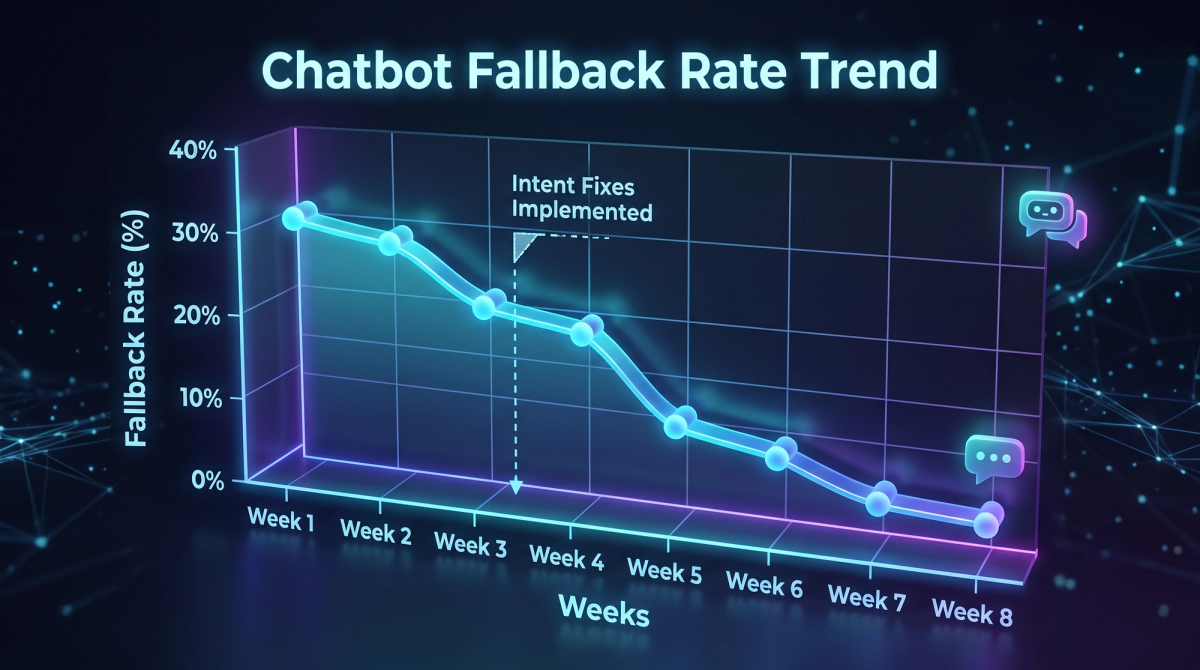
This loop of measure, diagnose, fix and re-measure is the heart of good bot performance management.
Real-World Example: Automation That Saves Hours
Measurement is what separates a demo bot from a business tool. In one CIM project for an EdTech client, an AI chatbot paired with CRM automation reduced manual support work and saved more than 200 hours per month while improving student engagement. That result was only visible because outcomes were tracked from the start, not guessed at later.
If you are planning a similar build, our AI-powered chatbot services include analytics planning from day one, and our AI workflows and automations connect the bot to the CRM and back-office systems that make the numbers meaningful.
Bot Analytics for Marketers: Connecting Chat to Revenue
A chatbot on your website is also a conversion channel. To prove its value:
- Tag chat entry points with UTM parameters so you know which campaigns start conversations.
- Pass chat leads into your CRM with source and intent data.
- Compare conversion rate and sales cycle for chat leads versus form leads.
This is where bot analytics meets performance marketing. When paid campaigns send users to a page with a smart bot, you can measure the full path from ad click to qualified conversation. The same idea supports organic growth: chat questions reveal the exact words your audience uses, which is gold for SEO content writing. A real chat question often becomes the next blog topic or FAQ.
Bot Analytics for Developers and Testers
If you build or test bots, a few habits pay off quickly:
- Version everything - Tag each release of prompts, models and flows so you can link metric changes to specific updates.
- Track intent confidence - Low-confidence correct answers are future failures waiting to happen.
- Test integrations - Many "bot failures" are actually broken APIs or slow back-end calls.
- Automate regression tests - Run your golden conversation set in your CI pipeline.
- Watch speed - Page and widget load time affect chat engagement. Fast, clean front-end builds, like those from a professional web design and development team, and sound technical SEO practices help the bot load and get seen.
Common Mistakes to Avoid
- Tracking vanity metrics - Total messages sound impressive but say nothing about success.
- Ignoring context - A 2-minute chat may be great for a complex booking and terrible for a password reset.
- Treating containment as success - Always pair it with resolution and CSAT.
- Skipping human review - Dashboards miss tone, nuance and subtle errors.
- Measuring once - Bots drift as products, policies and user language change.
- Forgetting privacy - Mask personal data in logs, set retention limits, and follow regulations such as GDPR or India's DPDP Act.
A Simple Monthly Review Routine
Consistency beats complexity. A light monthly routine works for most teams:
- Review the executive dashboard and compare against last month.
- Read 30 to 50 sampled transcripts across good, average and failed chats.
- List the top three issues and assign an owner for each.
- Ship fixes, then update the golden test set.
- Share a one-page summary with stakeholders.
Frequently Asked Questions
What is a good containment rate for a chatbot?
It depends on the use case and complexity. Simple FAQ bots can reach high containment, while bots for complex or sensitive topics will hand off more. Use your own baseline and improve it step by step, rather than chasing a universal number.
How often should I review chatbot analytics?
Watch alerts and key technical metrics daily, check dashboards weekly, and run a deeper transcript and strategy review monthly.
Which tool is best for chatbot analytics?
There is no single best tool. Most teams combine their bot platform's native reports, a behaviour analytics tool, and a BI dashboard. Choose based on your data volume, channels and team skills.
How do I measure ROI from a chatbot?
Add up the agent hours saved, plus revenue from chat-sourced leads or orders, then subtract the cost of running and improving the bot. Track the same numbers before and after launch.
Conclusion: Measure, Learn, Repeat
Good chatbots are not built once. They are tuned continuously, and analytics for bot performance is the compass that shows the direction. Start small: define one goal, track a handful of metrics from the six groups, read real conversations every week, and fix the biggest problem first.
If you want a bot that is built with measurement in mind, or help turning your existing chatbot data into clear decisions, the team at Cinute InfoMedia can help. See how our work delivers results in the Testriq organic growth case study, explore our SEO services, or talk to our team for a free digital audit.
Related Articles
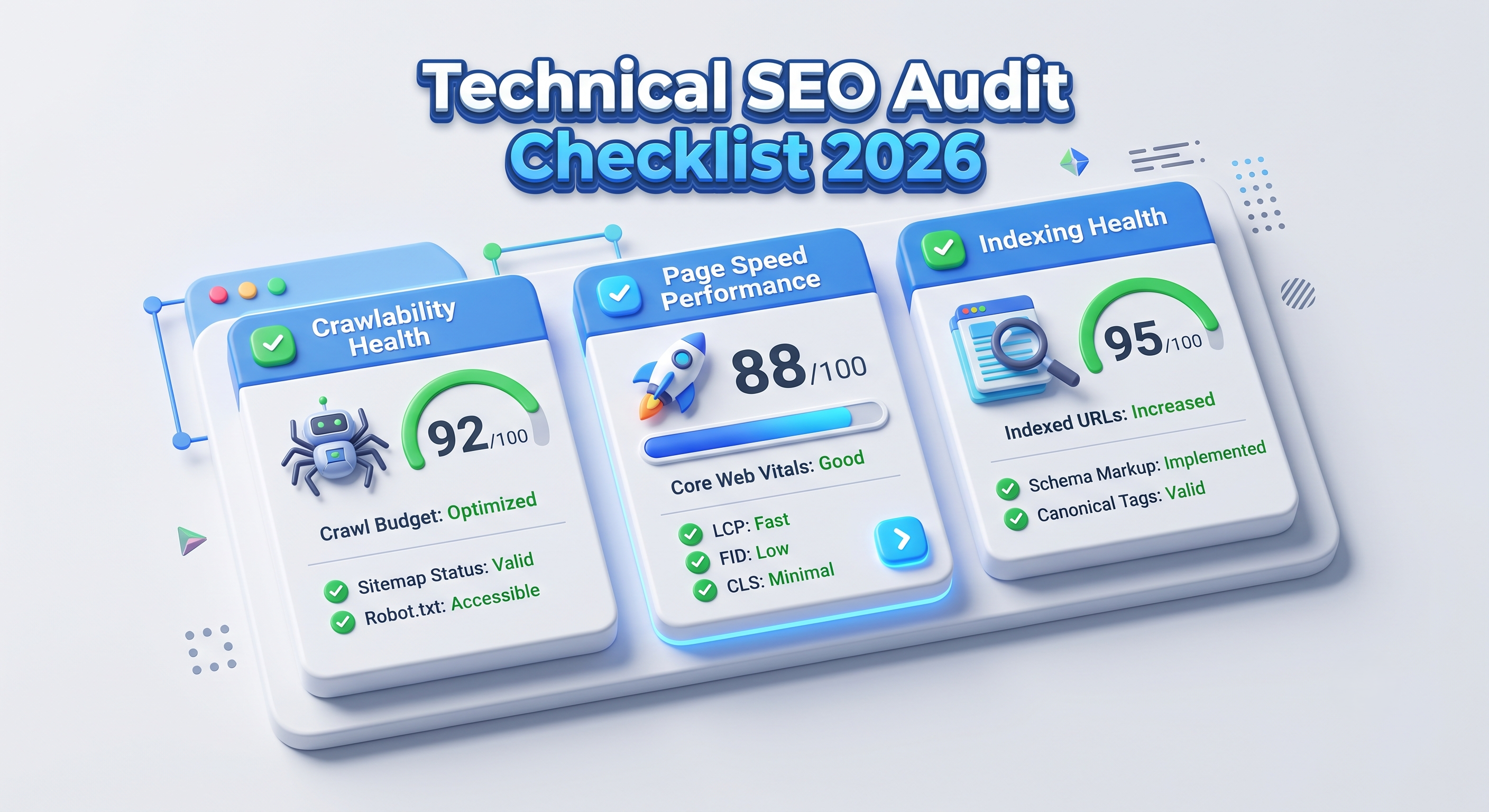
Technical SEO Audit Checklist 2026: The Complete Step-by-Step Guide
A technical SEO audit finds the hidden problems that stop search engines from crawling, rendering and ranking your pages. This 2026 checklist walks developers, testers, CTOs and marketers through every step, from crawlability and Core Web Vitals to structured data and AI search readiness.

Logo Design Trends 2026: 8 Shifts Every Tech Brand Must Know
Logos now work like small pieces of software. Discover the 8 logo design trends of 2026, from adaptive systems to motion and dark-mode palettes, plus a technical checklist for developers and marketers.
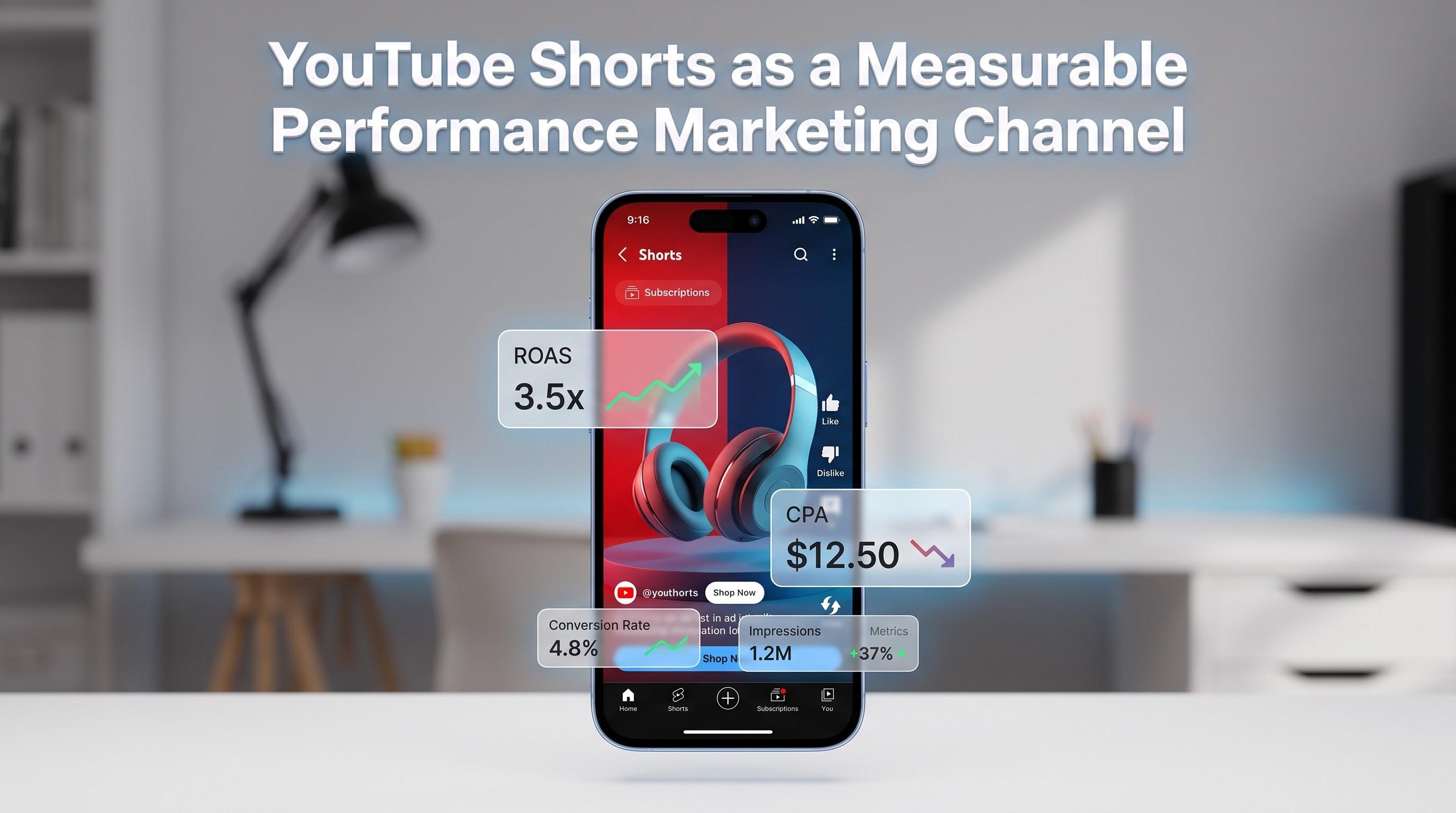
How to Turn YouTube Shorts Into a Measurable Performance Marketing Channel
Are YouTube Shorts ads worth it? Learn how to turn Shorts into a measurable performance marketing channel: which campaign types to use, which metrics matter (hook rate, CPA, ROAS, view-through conversions), how to build vertical creative that converts, and how to measure results honestly.