
Table of Contents
Every successful SaaS product starts with a simple idea. But turning that idea into a fast, secure and scalable app depends a lot on one thing: the tools you choose.
Pick the right SaaS development tools and your team ships features faster, fixes bugs earlier and grows without painful rewrites. Pick the wrong ones and you spend months fighting your own tech stack.
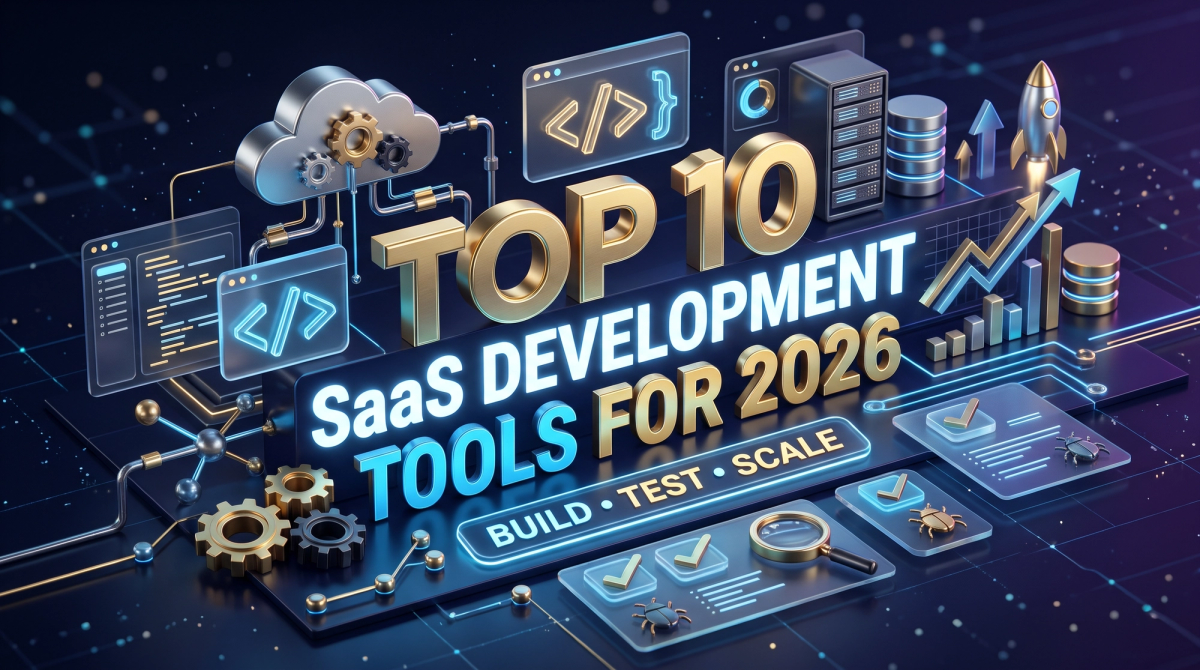
In this guide, we break down the top 10 SaaS development tools for 2026. We cover what each tool does, who it is best for and where it fits in your stack. Whether you are a developer, a tester, a product manager or a CTO planning your next product, this list will help you make clear and confident decisions.
What Are SaaS Development Tools?
SaaS development tools are the software, frameworks and platforms used to design, build, test, deploy and run a Software-as-a-Service application.
A SaaS app is different from a normal website. It needs user accounts, subscription billing, multi-tenant architecture (many customers on one system), strong security and the ability to scale as you grow. No single tool does all of that. Instead, teams combine several tools into a SaaS tech stack.
A typical SaaS stack has these layers:
- Code editor and version control – where code is written and tracked
- Frontend – what users see and click
- Backend – business logic, APIs and databases
- DevOps and cloud – how the app is packaged, deployed and hosted
- Testing – how quality is checked before release
- Billing – how you collect recurring revenue

If you want expert help putting these layers together, our SaaS development services cover the full journey from MVP to scale.
How We Picked These Tools
We did not choose tools based on hype. Each tool on this list was selected because it:
- Is widely used by real SaaS teams in production
- Has an active community and good documentation
- Scales from a small MVP to a large product
- Works well with the other tools in a modern stack
- Saves time for developers, testers or product teams
Top 10 SaaS Development Tools at a Glance
| # Tool | Category | Best For |
|---|---|---|
| 1. Visual Studio Code | Code editor | Everyday coding for all developers |
| 2. GitHub | Version control and CI/CD | Code collaboration and automation |
| 3. Next.js | Frontend framework | Fast, SEO-friendly SaaS frontends |
| 4. Node.js | Backend runtime | Real-time apps and JavaScript teams |
| 5. Django | Backend framework | Data-heavy and AI-ready products |
| 6. Docker | Containerization | Consistent builds and deployments |
| 7. Amazon Web Services (AWS) | Cloud platform | Hosting and scaling at any size |
| 8. Stripe | Payments and billing | Subscriptions and recurring revenue |
| 9. Postman | API development and testing | Designing and testing APIs |
| 10. Playwright | End-to-end testing | Automated browser testing |

Now let us look at each tool in a little more detail.
1. Visual Studio Code – The Developer's Daily Workspace
Visual Studio Code (VS Code) is a free code editor from Microsoft. It is light, fast and works on Windows, macOS and Linux.
What makes it great for SaaS development is its huge extension marketplace. You can add support for almost any language, connect to Git, run a debugger, work inside Docker containers and use AI coding assistants, all from one window.
Why SaaS teams love it:
- Free and open to customize
- Built-in terminal, Git and debugging
- Remote development for cloud and container setups
Best for:
Every developer on the team, from frontend to backend.
2. GitHub – Version Control and CI/CD in One Place
GitHub is where most modern teams store and manage their code. It is built on Git, which tracks every change so you can review, compare and roll back safely.
For SaaS teams, the real power is GitHub Actions. It lets you build a DevOps pipeline that runs tests, checks code quality and deploys your app every time someone pushes code. Add pull requests and code reviews, and you get a clean, safe workflow for releasing features often.
Best for:
Team collaboration, code reviews and automated CI/CD.
3. Next.js – Fast, SEO-Friendly Frontends
Next.js is a React framework built by Vercel. It has become a top choice for SaaS frontends because it handles both the marketing website and the logged-in app dashboard in one codebase.
It supports server-side rendering and static pages, which means your pages load quickly and are easy for Google to crawl. That matters, because your SaaS landing pages need to rank. Good performance also supports your technical SEO goals, like Core Web Vitals.
Best for:
SaaS products that need speed, great UX and strong organic visibility. Learn more about our Next.js development approach.
4. Node.js – A Fast Backend for Real-Time SaaS
Node.js lets you run JavaScript on the server. That means your frontend and backend teams can use the same language, which speeds up hiring and development.
Node.js is event-driven and non-blocking, so it handles many users at once without slowing down. This makes it a strong fit for real-time features like chat, live dashboards, notifications and collaborative tools. It also has npm, the largest package registry in the world.
Best for:
Real-time apps, API-first products and JavaScript-focused teams. See how we approach Node.js backend development.
5. Django – A Secure, Batteries-Included Backend
Django is a Python web framework known for its "batteries included" approach. It comes with user authentication, an admin panel, an ORM for databases and strong security protections out of the box.
Because it runs on Python, Django is a natural fit for SaaS products that use data science, machine learning or AI features. You can build the core app and plug in AI models without switching languages.
Best for:
Data-heavy platforms, AI-powered SaaS and teams that value security. Explore our Python and Django development services.
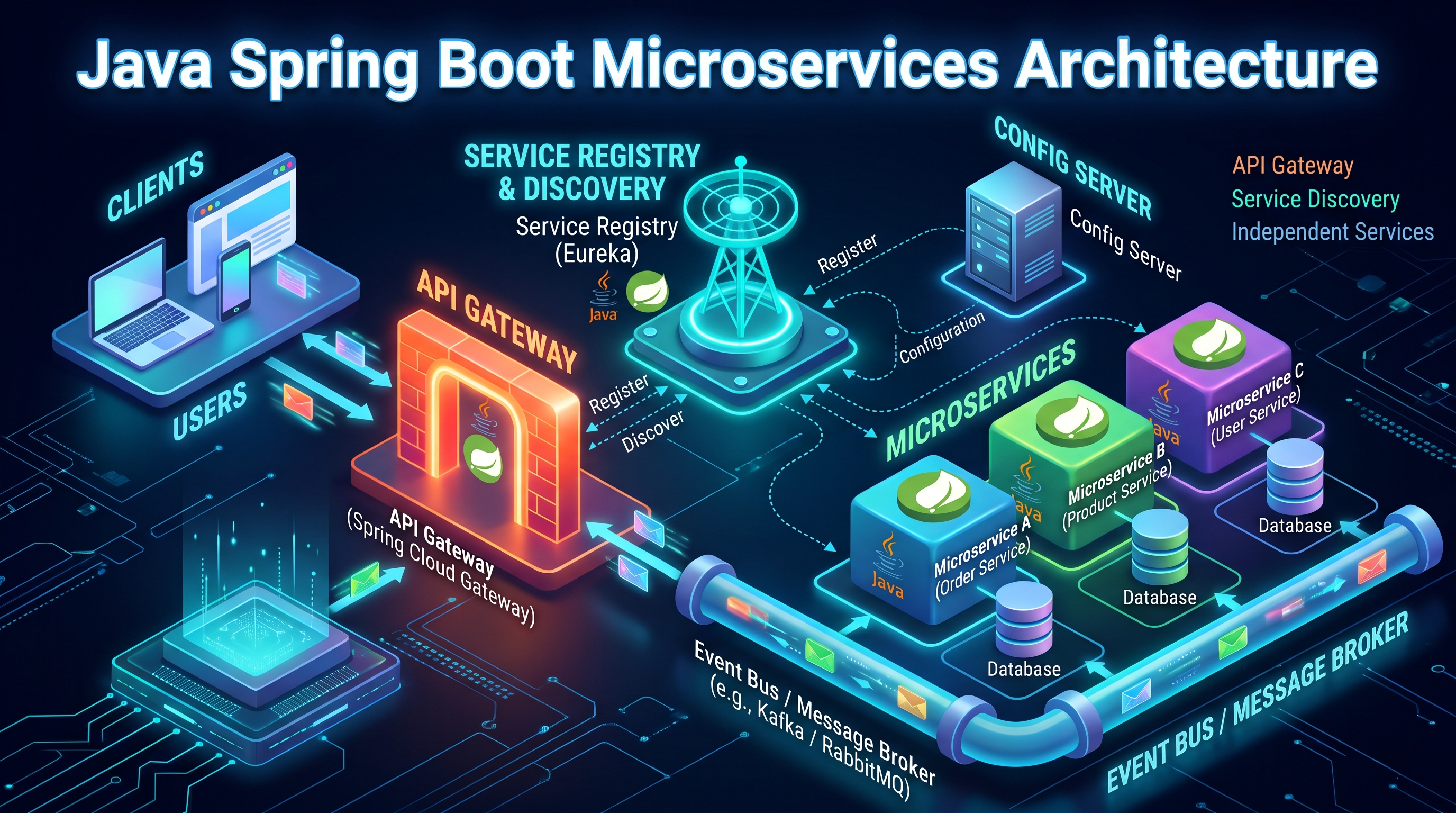
Note for enterprise teams: If your SaaS needs a large, service-based architecture, Java is also a strong option. Our guide on Java Spring Boot microservices explains when it makes sense.
6. Docker – Build Once, Run Anywhere
We have all heard "it works on my machine." Docker solves that problem.
Docker packages your app and everything it needs into a container. That container runs the same way on a developer's laptop, a test server and in production. This makes deployments predictable and onboarding new developers much faster.
Docker is also the base for cloud-native development. Once your app is containerized, you can scale it with tools like Kubernetes or managed cloud container services.
Docker containers deploying a SaaS application to the cloud through a CI/CD pipeline Containers keep your SaaS app consistent from a laptop to production.

Best for:
Consistent environments, microservices and smooth CI/CD.
7. Amazon Web Services (AWS) – Cloud Power That Scales
AWS is one of the largest cloud platforms in the world. It offers hundreds of services, but most SaaS products rely on a core few: compute (EC2 or Lambda for serverless), databases (RDS or DynamoDB), file storage (S3) and content delivery (CloudFront).
The big benefit is scalability. You can start small and pay only for what you use, then grow to millions of users without rebuilding your setup. Google Cloud and Microsoft Azure are solid alternatives, so pick the one your team knows best.
Best for:
Hosting, scaling and running SaaS apps securely in the cloud.
8. Stripe – Subscription Billing Made Simple
Recurring revenue is the heart of every SaaS business. Stripe makes it easy to collect it.
With Stripe Billing, you can set up monthly or yearly plans, free trials, usage-based pricing, coupons and invoices. It also handles failed payments, tax rules in many countries and a hosted customer portal where users manage their own plans.
Building billing yourself is risky and slow. Stripe lets your team focus on the product instead.
Best for:
Subscriptions, usage-based pricing and global payments.
9. Postman – Design and Test Your APIs
Most SaaS products are API-driven. Your frontend, mobile app and third-party integrations all talk to your backend through APIs. Postman helps you design, document and test those APIs in one place.
Developers use it to send requests and check responses. Testers use it to write automated API tests and run them in CI/CD pipelines. Product managers can use shared collections to understand how features work.
QA engineer running API and end-to-end tests on a SaaS application Strong API and browser testing catches bugs before your customers do.

Best for:
API development, API testing and team collaboration.
10. Playwright – Reliable End-to-End Testing
Playwright is an open-source testing framework from Microsoft. It automates real browsers, including Chromium, Firefox and WebKit, so you can test your app the way users actually use it.
Its auto-wait feature reduces flaky tests, and it supports parallel runs, screenshots, videos and trace viewing for easy debugging. For SaaS teams that release often, Playwright gives the confidence that key flows like sign-up, login and checkout still work after every update.
Best for:
QA engineers and developers who want fast, stable end-to-end tests.
Bonus Tools Worth Knowing
A few more tools can round out your SaaS stack:
- Jira or Linear for sprint planning and product roadmaps
- Sentry for error tracking in production
- Supabase or Firebase for quick authentication and databases when building an MVP
- Figma for UI design and developer handoff
AI is also changing how SaaS products work. Many teams now add AI workflows and automations to cut manual tasks, or build AI-powered chatbots for customer support and onboarding.
How to Choose the Right SaaS Development Tools
There is no perfect stack for everyone. Ask these simple questions before you decide:
- What does your team already know? Familiar tools mean faster delivery.
- What stage are you at? An MVP needs speed. A growing product needs scalability.
- How will you scale? Plan for more users, more data and more regions early.
- What is your budget? Watch cloud costs and per-seat licensing as you grow.
- How strong is the community? Good documentation and support save hours.
- Does it integrate well? Your tools should work together, not against each other.

Common Mistakes to Avoid
- Choosing a tool just because it is trending
- Skipping automated testing until after launch
- Building custom billing instead of using a proven platform
- Ignoring performance and SEO on public pages
- Over-engineering the first version with too many services
Frequently Asked Questions
What are the best SaaS development tools for startups?
For most startups, a stack of VS Code, GitHub, Next.js, Node.js or Django, Docker, a cloud provider and Stripe is a strong and affordable starting point.
Which programming language is best for SaaS development?
JavaScript/TypeScript (with Node.js and Next.js) and Python (with Django) are the most popular choices. The best language is the one your team can build and maintain well.
What tools do testers use for SaaS applications?
Postman is widely used for API testing, and Playwright for end-to-end browser testing. Both fit easily into CI/CD pipelines.
How long does it take to build a SaaS product?
A focused MVP usually takes about three to six months. Timelines depend on features, team size and the tools you use.
Final Thoughts
The best SaaS development tools are the ones that help your team move fast today without blocking growth tomorrow. Start with a clean, proven stack, automate testing early and keep your architecture simple until real users tell you what to build next.
The ten tools in this list cover every layer of a modern SaaS product, from writing code to collecting payments. Combine them wisely, and you will have a solid foundation for years to come.
Planning a new SaaS product or upgrading an existing one? The team at Cinute InfoMedia can help you choose the right stack, build it and grow it with SEO and performance marketing. Reach out to our team and let us build something your users will love.
Related Services
Related Articles

SDLC Explained: A Simple Guide to the Software Development Life Cycle
The software development life cycle (SDLC) is the roadmap every successful software project follows. This easy guide explains the 7 SDLC phases, compares popular models like Agile, Waterfall and DevOps, and shares best practices for developers, testers, CTOs and product managers.
WordPress Hosting Migration
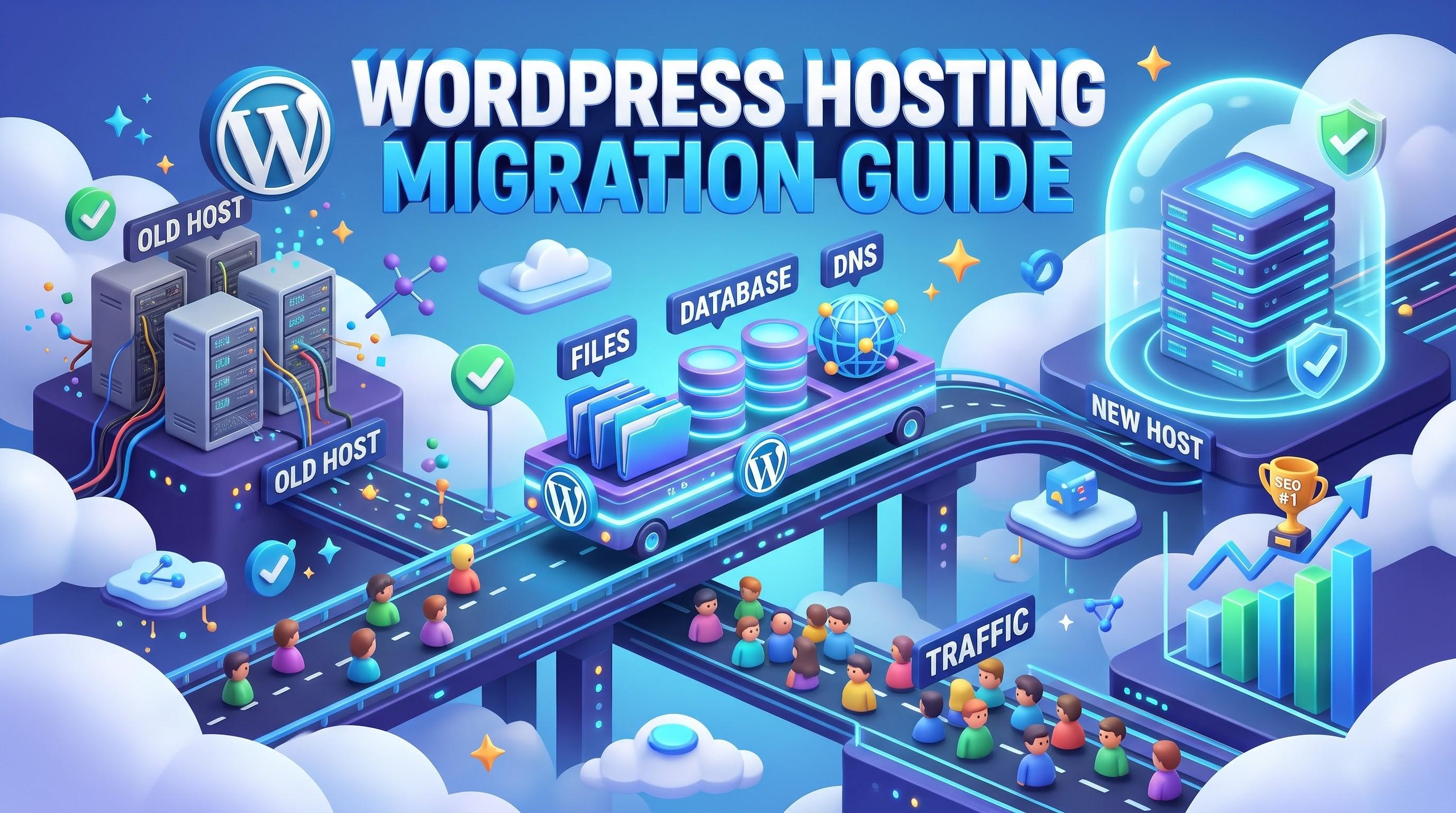
Moving your WordPress site to a new host does not have to be risky. This easy guide covers the checklist, three migration methods, ten steps and SEO safeguards for developers, testers, CTOs and marketers.
Java Spring Boot Microservices: A Simple Guide for Tech Teams
Java Spring Boot microservices help teams build fast, scalable and easy-to-maintain systems. This simple guide explains the architecture, key tools, testing and best practices for developers, testers, CTOs and product managers.