
Table of Contents
In the current enterprise landscape, downtime is a silent killer of ROI. According to recent industry benchmarks, the average cost of IT downtime is now estimated at $9,000 per minute. For global organizations, a single hour of system failure doesn't just result in lost transactions; it leads to catastrophic brand erosion and legal liability.
Most organizations claim to have a Disaster Recovery Plan (DRP). However, when a real-world crisis hits be it a sophisticated ransomware attack, a regional cloud outage, or a cascading database failure these plans often crumble. The reason? They were built as static documents in a dynamic, AI-driven world.
To build a Disaster Recovery Plan that actually works, you must move beyond simple data backups. You need a resilient architecture that integrates autonomous workflows, rigorous software testing, and a deep understanding of business continuity. This guide provides the high-level roadmap that CTOs and Engineering Leads need to bridge the gap between "having a backup" and "ensuring survival."
The Problem: The "Backup" Delusion
The most common mistake in modern IT management is the belief that backups equal recovery. They do not. A backup is merely a copy of data. Recovery is the complex orchestration of restoring that data, re-configuring network environments, validating application integrity, and re-routing global traffic—all while the clock is ticking.
Agitation: The Hidden Costs of Failure
When your systems go dark, your SEO services suffer immediately. Search engines penalize sites that are unresponsive, potentially wiping out months of organic growth in a matter of hours. Furthermore, your social media marketing services team is left in a reactive "crisis mode," trying to manage customer frustration while the engineering team scrambles in the dark. This lack of preparation agitates the technical debt within your organization, making every subsequent recovery attempt more difficult.
The Solution: A QA-First Approach to DR
At Testriq, we believe that Disaster Recovery is a Software Testing challenge. If you haven't tested your recovery scripts with the same rigor as your production code, your plan is just a theory. The solution lies in building an Autonomous Resilience Framework.
1. Defining the North Stars: RTO and RPO
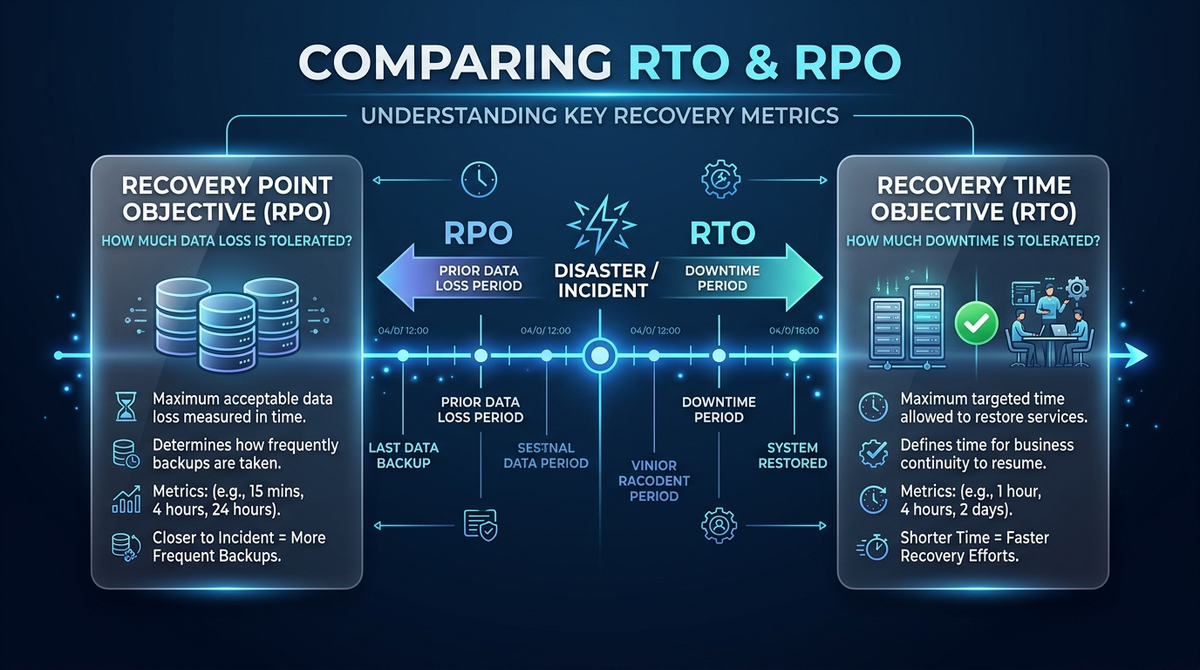
Before a single line of a recovery script is written, you must define your business's tolerance for loss. These are the two metrics that will dictate your entire infrastructure budget.
Recovery Point Objective (RPO)
RPO refers to the maximum amount of data loss your business can sustain, measured in time. If your RPO is 4 hours, and your last backup was at noon, a failure at 3:59 PM is "acceptable." For high-transaction financial systems, the RPO must be zero. Achieving this requires synchronous replication and additional support services to maintain data integrity across regions.
Recovery Time Objective (RTO)
RTO is the duration of time it takes to get back online after a failure. If your website goes down, how many minutes can you afford to be dark? A low RTO requires high levels of automation. This is where ai workflows automations services become indispensable. By automating the failover process, you remove human latency from the equation.
2. The Architectural Blueprint: The 3-2-1-1 Rule
The classic 3-2-1 backup rule is no longer sufficient for the 2026 threat landscape. We now advocate for the 3-2-1-1 Strategy:
- 3 Copies of Data: The original and two backups.
- 2 Different Media: E.g., Cloud Object Storage and an Immutable Volume.
- 1 Offsite Copy: Geographically separated to survive regional outages.
- 1 Immutable / Air-Gapped Copy: A version of the data that cannot be changed or deleted, providing a "clean room" for recovery after a ransomware attack.
To support this architecture, your web design development must be decoupled. Use microservices that can fail independently without taking down the entire user experience.
3. Enter Agentic AI: The Future of Autonomous Recovery
The most significant shift in the last 25 years of SEO and IT strategy is the transition from manual recovery to Agentic AI.
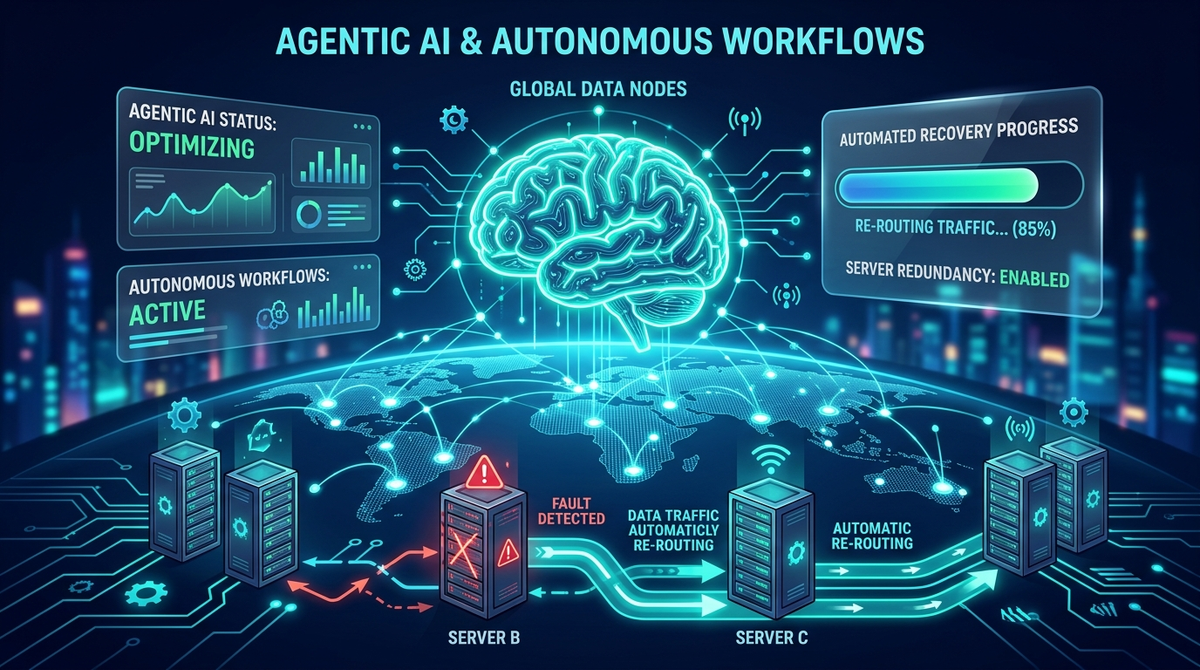
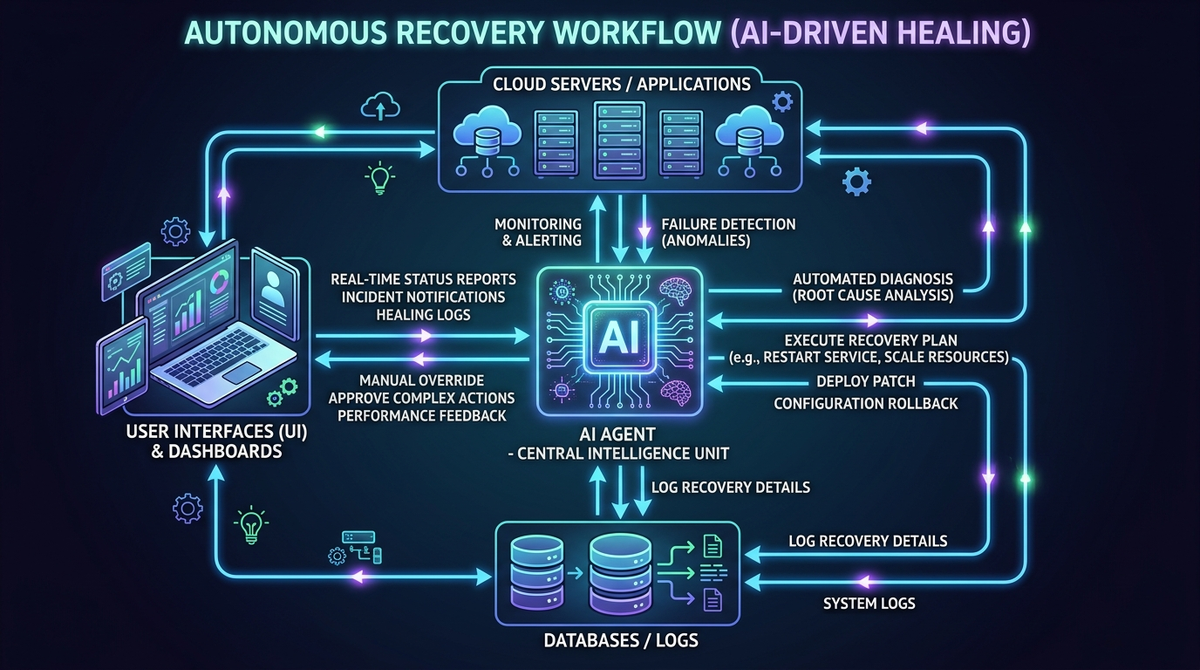
Traditional recovery plans rely on a human "On-Call" engineer to receive an alert, log in, and execute a runbook. In a crisis, this process is slow and error-prone. Agentic AI changes the game. These are autonomous agents capable of:
- Predictive Detection: Identifying anomalies in system logs before a failure occurs.
- Autonomous Decision Making: Determining if a failover is necessary based on RTO/RPO constraints.
- Self-Healing Workflows: Automatically spinning up new instances, re-pointing DNS records, and verifying data consistency.
By integrating ai chatbots services, you can even automate the communication layer. During a disaster, the AI can provide real-time, accurate status updates to stakeholders and customers, preserving your brand identity design while the technical recovery happens in the background.
4. Why QA Testing is the Heart of Disaster Recovery
As a software testing powerhouse, Testriq knows that untested recovery is no recovery. You wouldn't launch a mobile app development project without regression testing; why would you trust your business's survival to an untested script?
The DR Testing Hierarchy
- Unit Testing for Scripts: Testing individual recovery commands to ensure they execute correctly in the target environment.
- Scenario-Based Testing: Simulating specific disasters (e.g., "What if AWS US-East-1 goes down?").
- Chaos Engineering: Purposefully injecting failures into your production environment to see if your autonomous workflows trigger as expected. This is the ultimate test of resilience.
The "Live Fire" Failover
The only way to know your plan works is to perform a Full Failover. This involves shifting 100% of production traffic to your recovery site. While risky, it is the only way to validate your RTO and ensure that your secondary environment can handle the full production load.
5. Protecting the User Experience (UX) During a Crisis
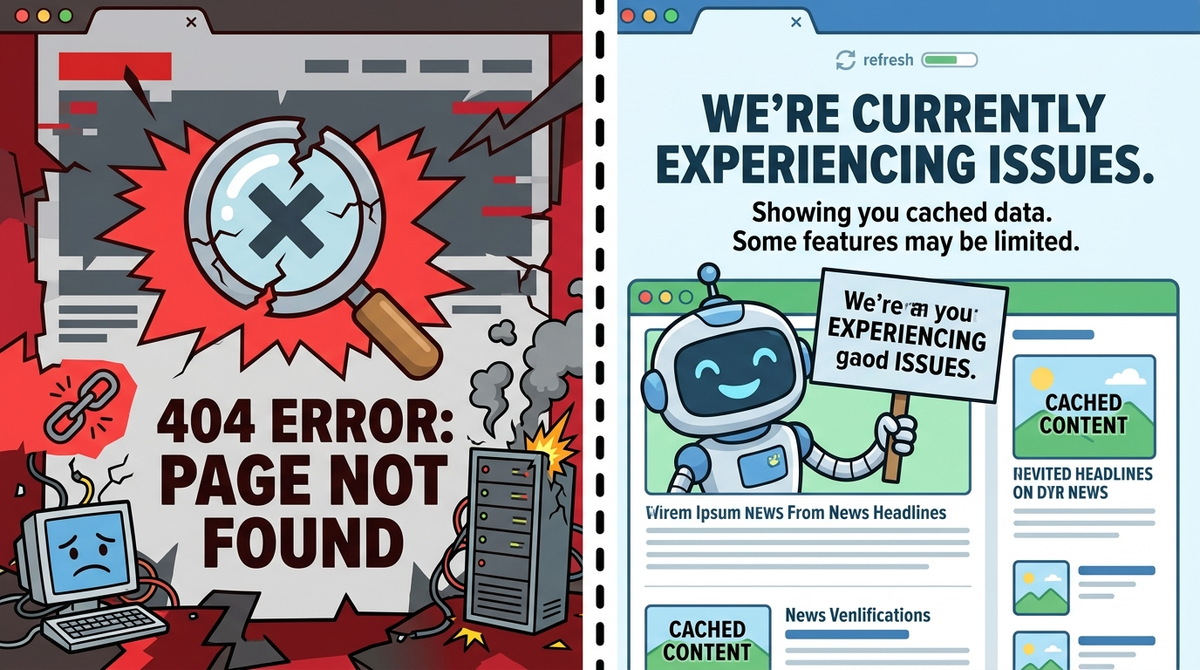
A disaster doesn't give you permission to provide a poor user experience. If your backend is struggling, your frontend should degrade gracefully.
For example, during a partial outage, your web design development should ensure that critical content is still readable even if interactive elements are disabled. Similarly, mobile app development should prioritize local caching, allowing users to perform essential tasks offline until the connection is restored.
6. Compliance, Governance, and Documentation
For enterprises in regulated industries (Finance, Healthcare, SaaS), a DRP isn't just a best practice; it's a legal requirement. Whether it’s SOC2, HIPAA, or ISO 27001, you must provide proof of your resilience.
The Living Document
A DRP must be updated with every code release. If your SEO services team adds a new subdirectory or your developers introduce a new database, the DR plan must be adjusted. Static PDF files are where recovery plans go to die. Instead, use a Version-Controlled DRP stored alongside your application code.
7. The Human Factor: Crisis Communication
Even with the best ai workflows automations services, humans still play a role in governance. Your plan must clearly define:
- The Command Structure: Who has the authority to declare a disaster?
- The Communication Plan: How are employees, partners, and the public notified?
- The Post-Mortem: Every disaster (or test) must be followed by a detailed analysis to improve the system.
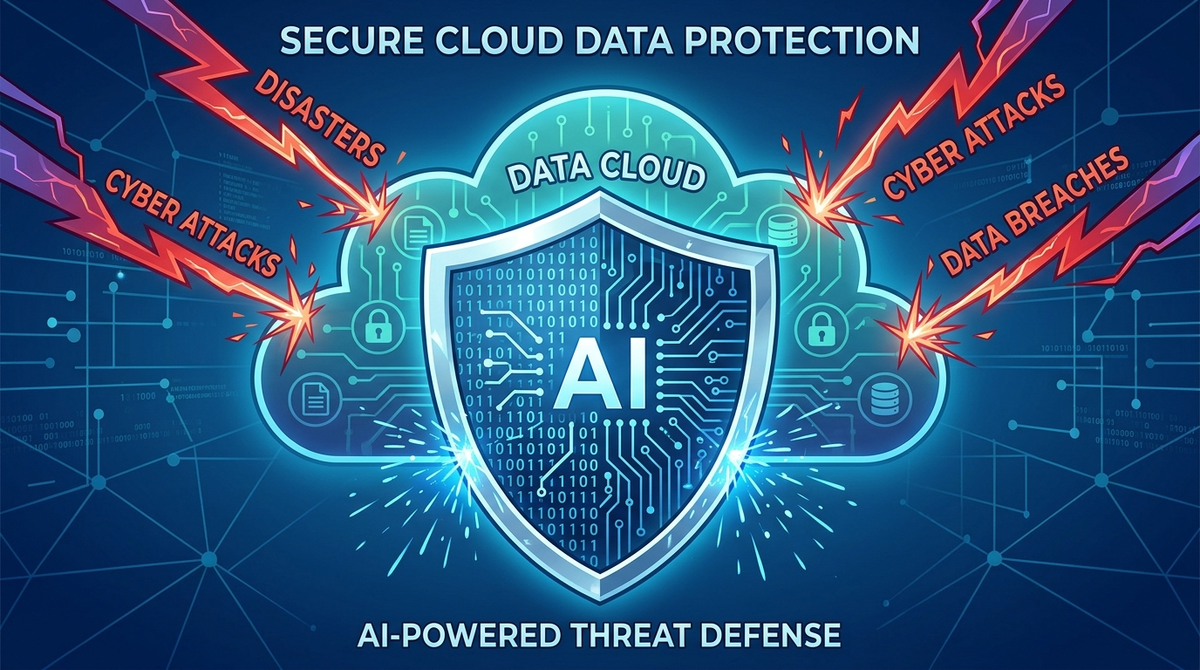
FAQ: Disaster Recovery Essentials
Q1: How is a DRP different from a Backup Plan?
A backup plan focuses on data retention. A DRP focuses on the speed and integrity of restoration. One is a storage strategy; the other is a business continuity strategy.
Q2: What role does AI play in Disaster Recovery?
AI, specifically Agentic AI, automates the detection and remediation of failures. It reduces human error and brings RTOs down to near-zero by executing recovery workflows autonomously.
Q3: Can small businesses afford a high-end DRP?
Absolutely. Using cloud-native failover tools means you only pay for the resources you use. By focusing on ai workflows automations services, even small teams can maintain enterprise-grade resilience.
Q4: How often should we update our DRP?
Every time there is a significant change in your software architecture, infrastructure, or SEO services strategy. At a minimum, a full review should occur quarterly.
Conclusion: Resilience as a Competitive Advantage
Building a Disaster Recovery Plan that works is a massive undertaking, but it is the ultimate investment in your company's future. In a world where technical failures are a certainty, resilience becomes your greatest competitive advantage.
By combining the strategic foresight of an SEO veteran with the technical precision of a QA leader, and leveraging the power of Agentic AI, you can ensure that your organization doesn't just survive a disaster it thrives through it.
Don't wait for the red alert. Start building your autonomous resilience today.
Related Articles
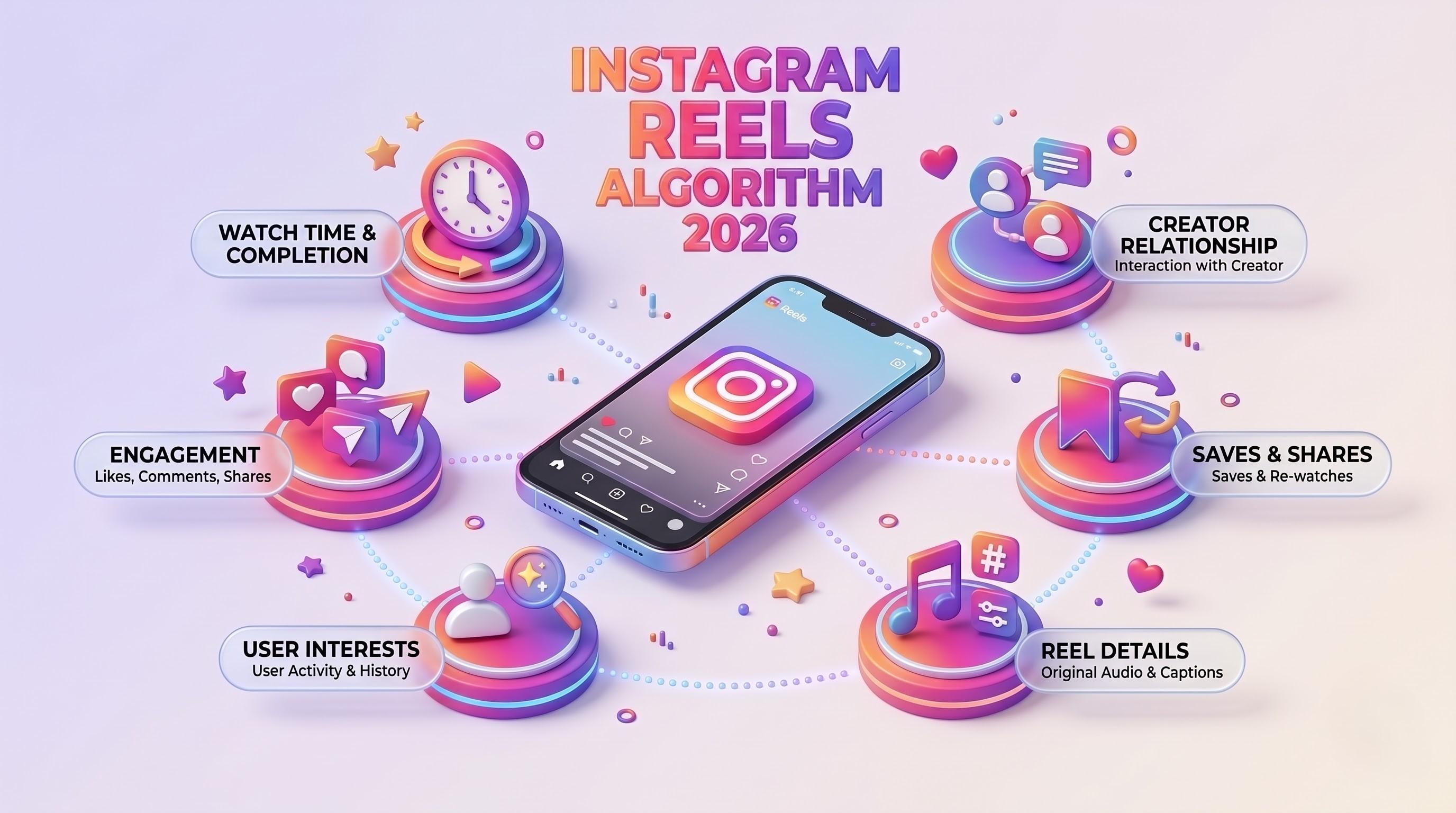
Instagram Reels Algorithm 2026: A Simple Guide for Tech-Savvy Teams
The Instagram Reels algorithm in 2026 ranks videos by watch time, DM sends and likes per reach. This easy guide explains how Reels are tested, what changed recently, and a practical checklist for developers, marketers, CTOs and product teams.

Business Corporate Intranets: A Simple Guide for Tech Teams
Business corporate intranets give every employee one secure place for news, files, people and tools. This easy guide covers features, architecture, security and a step-by-step build plan for CTOs, developers, testers and marketers.
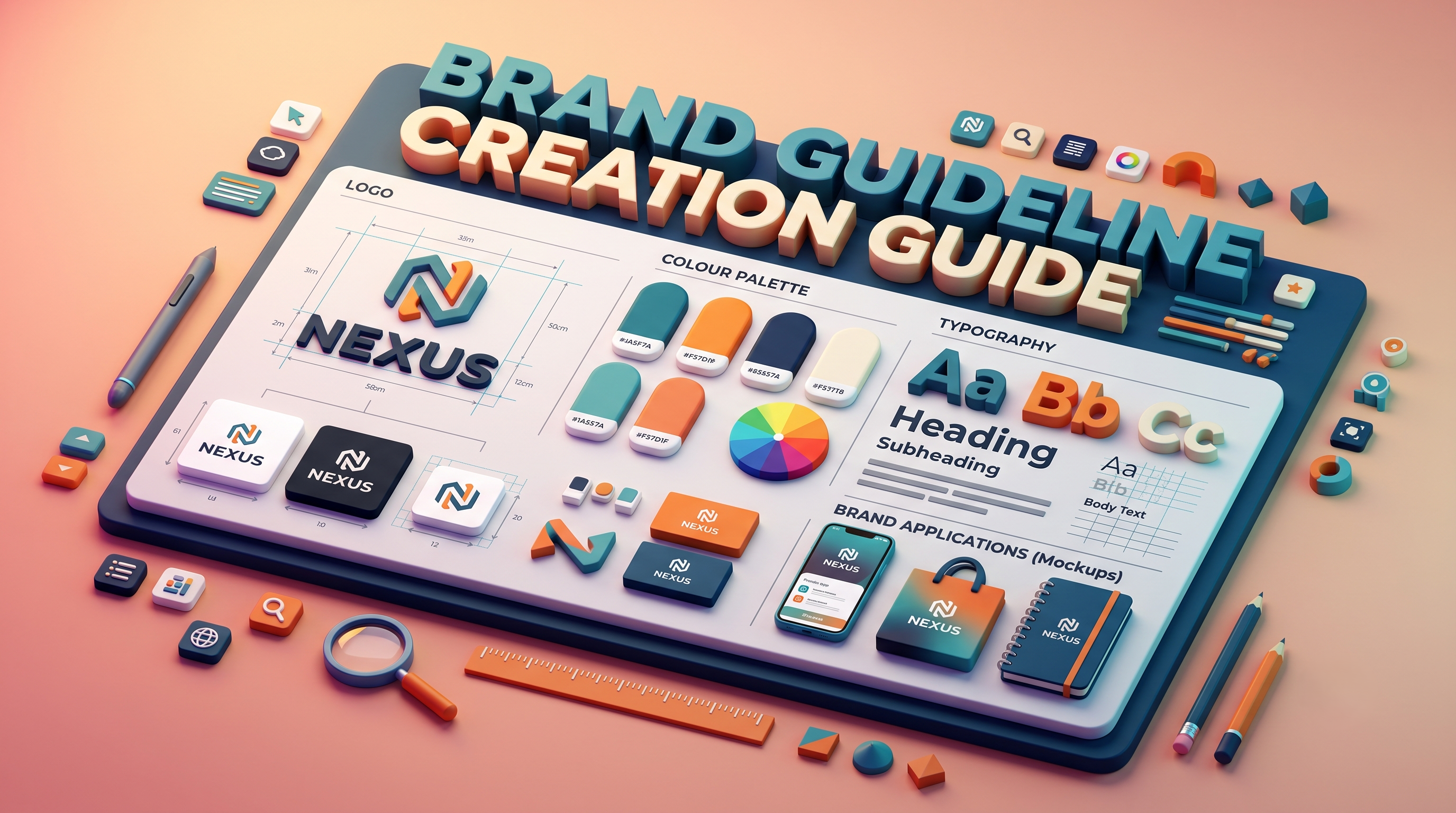
Brand Guideline Creation: A Step-by-Step Guide for Tech Brands
Brand guideline creation turns your logo, colours, fonts and voice into one clear rulebook for designers, developers, testers and marketers. This easy guide covers the core components, an 8-step process, design tokens for code, and how to connect your brand to SEO and AI.