
Table of Contents
Installing a standard cybersecurity tool or an out-of-the-box extension is an excellent first step toward protecting your digital presence. However, a common mistake many businesses make is assuming that activation equals complete protection. Without proper configuration, your active extensions remain vulnerable to sophisticated exploits.
True security plugins hardening requires moving past basic settings to implement deep core configuration protection and real-time vulnerability mitigation. Let's break down exactly how to secure your digital infrastructure against evolving online threats.
Why Basic Activation Leaves You Vulnerable
When malicious actors deploy automated scanners across the web, they look for predictable entry points. Standard setups often leave administrative panels exposed, table prefixes at default values, and file execution policies completely open.
By prioritizing advanced website hardening, you transform your plugins from simple alerts into proactive shields. Taking a methodical approach to hardening ensures that even if an attacker bypasses one layer of defense, successive barriers block deeper system infiltration.
If managing these technical layers feels overwhelming, partnering with an expert team like Cinute Infomedia ensures your enterprise digital assets receive continuous security monitoring and optimization.
1. Deploying a Powerful Web Application Firewall
A Web Application Firewall (WAF) serves as your primary line of defense, filtering out malicious traffic before it ever interacts with your database.
Key Firewall Configuration Steps:
- Enable Deep-Level Processing: Transition your firewall configuration from a simple web application layer down to the server root level (such as using an optimized
user.inior.htaccesssetup). This forces the system to parse incoming queries prior to executing core platform scripts. - Activate Direct Brute Force Defense: Set strict limitations on failed authentication attempts. Lock out persistent suspicious IP addresses automatically, and entirely block access to common automated usernames like
adminoradministrator. - Block Cross-Site Scripting (XSS): Ensure your firewall actively sanitizes user-submitted queries to prevent attackers from injecting malicious scripts into active form modules.
For businesses focused on building high-performance architectures, implementing these steps during initial development cycles mitigates long-term operational risks. Discover how to build secure platforms on the Cinute Infomedia Homepage.
2. Advanced File Integrity Monitoring & Malware Scanning
Hackers frequently target existing system files to hide backdoors or inject spam scripts into your database structure.
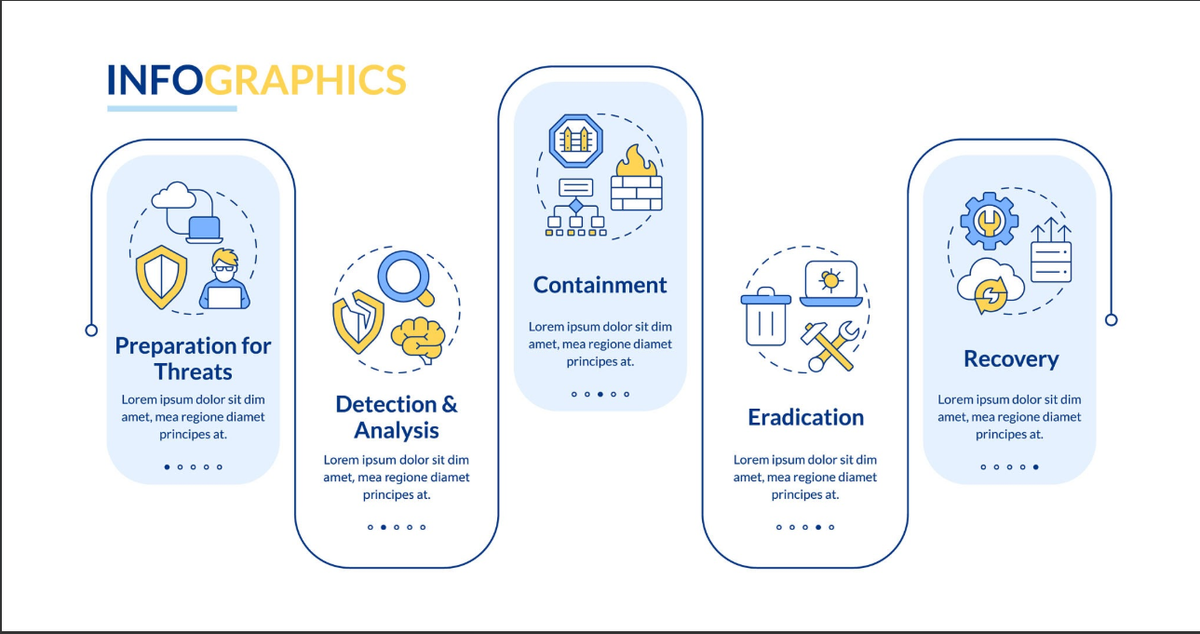
To establish an effective malware scanning routine, configure your chosen platform to perform daily automatic deep scans. Ensure your tool references a frequently updated signature database to catch zero-day exploits early.
Crucially, you must enable file integrity monitoring. This functional feature cross-checks your live directory structure against the official, untampered source code repositories. If an unauthorized script modification or unknown file addition occurs, the system flags the variance instantly so your administrators can isolate the threat.
3. Database Vulnerability Mitigation & Structure Hardening
Your database contains your organization's entire intellectual footprint, including user records, confidential transactions, and administrative credentials. Leaving it exposed can lead to catastrophic injection attacks.
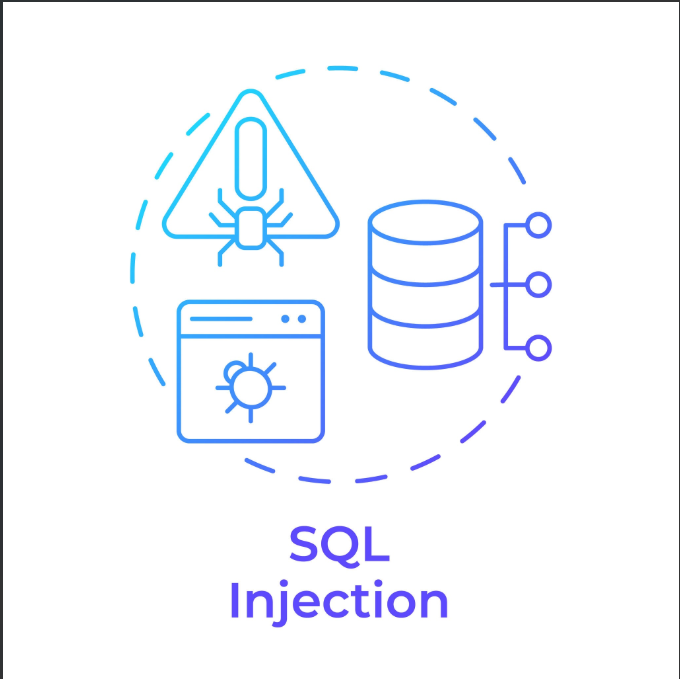
When hardening your data layer, apply these fundamental structural changes:
- Modify the Default Table Prefix: Standard table prefixes are predictable targets for automated SQL injection vectors. Change your default database prefix to a random, non-intuitive alphanumeric string.
- Disable Built-In Code Editors: Prevent attackers who manage to compromise an editor account from modifying code directly from the administrative dashboard. Set strict server constants to block theme and extension file editing.
- Restrict File Execution in Public Directories: The folder where your platform stores user uploads should never execute system scripts. Use your security configuration panel to block binary file execution within upload subfolders entirely.
4. Secure Data Encryption & Session Isolation
Even with hard target configurations in place, data in transit remains vulnerable to intercept actions if communication channels are unprotected.

Maintaining secure data encryption across all sessions is non-negotiable. Enforce HTTPS across your entire ecosystem, and leverage your configuration suite to implement HTTP Strict Transport Security (HSTS). This protocol ensures browsers exclusively interact with your application via encrypted connections, eliminating session-hijacking opportunities.
Furthermore, make sure your tool regularly updates and cycles your application's unique secret security keys. Salt keys encrypt cookie data and user sessions; rotating them regularly invalidates any stolen session states automatically, kicking unauthorized users off the application.
Frequently Asked Questions (FAQs)
Q1: Will installing multiple security plugins make my website twice as secure?
No, it can actually do the opposite. Running multiple comprehensive security plugins simultaneously often causes code conflicts, drops site performance, and can lock out legitimate administrators. Instead, choose one robust security plugin, focus heavily on security plugins hardening (configuring its advanced settings deeply), and complement it with server-level protections like a reliable Web Application Firewall (WAF).
Q2: What is the difference between standard security plugin settings and "hardening"?
Standard configuration usually only handles surface-level tasks like running basic file scans or alerting you after a vulnerability is exploited. Hardening is a proactive strategy. It involves diving into advanced settings to modify default database prefixes, block script execution inside upload folders, enforce strict brute-force lockouts, and restrict core file access so hackers cannot establish a foothold in the first place.
Q3: How often should I run malware scans and file integrity checks?
For standard content websites, daily automated scans are highly recommended. For high-traffic e-commerce portals or enterprise B2B platforms, real-time file integrity monitoring is essential. This ensures that if a core file is modified or an unapproved script is injected, you are notified instantly to mitigate the vulnerability before it impacts your users.
Q4: Can security hardening configurations accidentally break my website's functionality?
Yes, high-level hardening features—such as aggressively restricting file permissions, disabling XML-RPC, or applying strict firewall rules—can occasionally conflict with poorly coded third-party themes or extensions. It is best practice to implement hardening steps one at a time on a staging environment or rely on professional IT consultants like Cinute Infomedia to systematically audit and deploy updates safely.
Q5: If I already have an SSL certificate for data encryption, do I still need plugin hardening?
Absolutely. An SSL certificate exclusively handles secure data encryption while information is traveling between the user's browser and your server (preventing data interception). However, SSL does not stop a hacker from executing an SQL injection attack, brute-forcing your login page, or exploiting a backdoor script in an outdated plugin. SSL secures data in transit, while hardening secures data at rest.
Partnering with Enterprise Security Professionals
Maintaining robust security configurations requires deep technical expertise and consistent, proactive vigilance. As software updates roll out and new attack methodologies emerge, security profiles must adapt dynamically to remain effective.
At Cinute Infomedia (CIM), we deliver end-to-end IT consultation and advanced digital marketing services that place operational security at the forefront. We assist organizations throughout India and globally in hardening web infrastructures, protecting sensitive enterprise data, and ensuring applications run safely at peak performance levels.
Avoid waiting for a system breach to discover vulnerabilities in your technical stack. Safeguard your company's online assets today with the expert engineers at Cinute Infomedia Services.
Explore our comprehensive business solutions, framework deployment strategies, and technical consulting options directly on the main Cinute Infomedia Web Portal. Let us help you design a modern, resilient digital presence that protects your business from the ground up.
Related Articles

Analytics for Bot Performance: How to Measure, Improve and Prove Your Chatbot's Value
Your chatbot is live, but is it working? This guide explains analytics for bot performance in plain language: the metrics that matter, how to set up tracking, and how to turn conversation data into better answers, lower costs and measurable ROI.
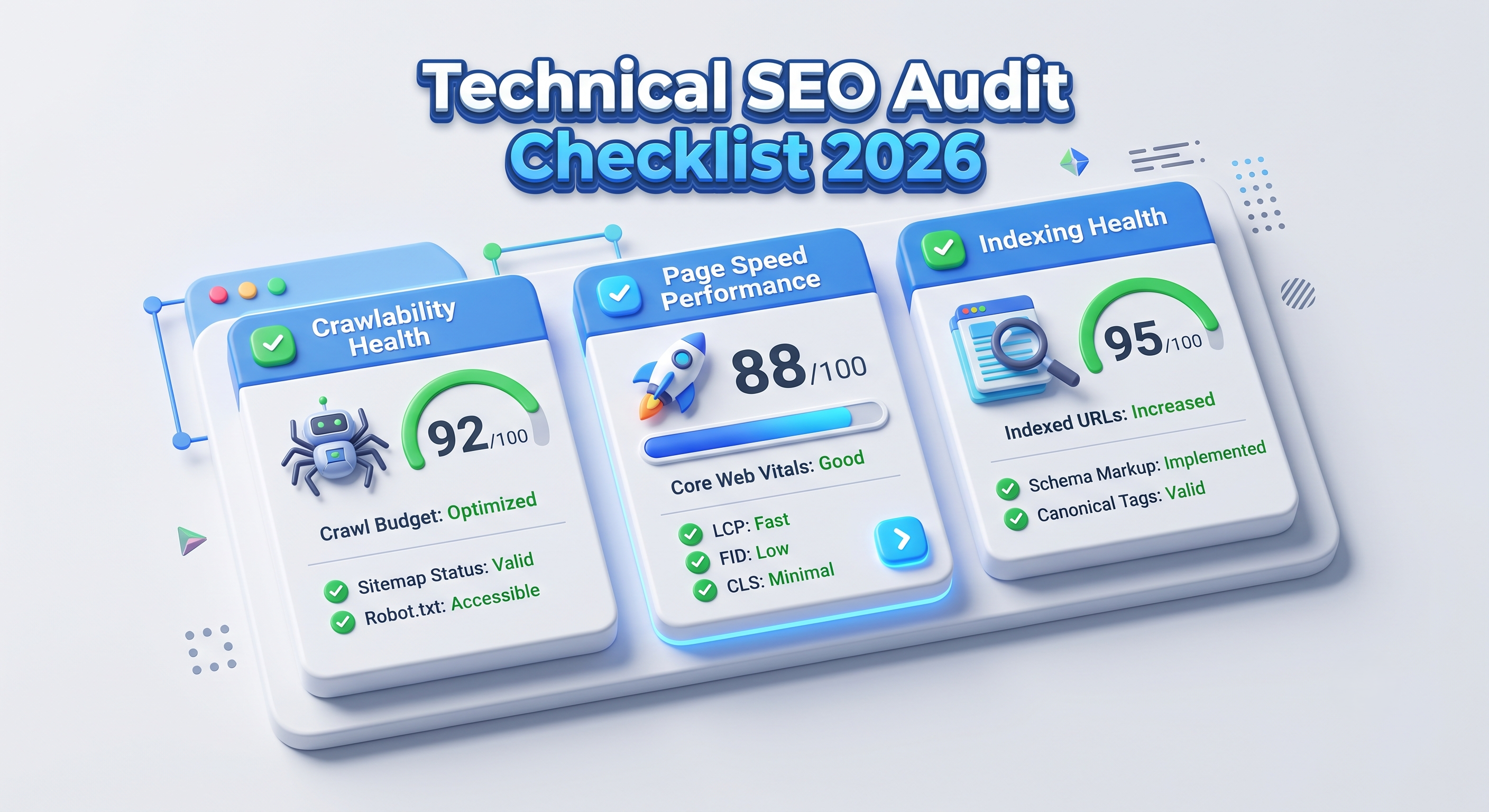
Technical SEO Audit Checklist 2026: The Complete Step-by-Step Guide
A technical SEO audit finds the hidden problems that stop search engines from crawling, rendering and ranking your pages. This 2026 checklist walks developers, testers, CTOs and marketers through every step, from crawlability and Core Web Vitals to structured data and AI search readiness.

Logo Design Trends 2026: 8 Shifts Every Tech Brand Must Know
Logos now work like small pieces of software. Discover the 8 logo design trends of 2026, from adaptive systems to motion and dark-mode palettes, plus a technical checklist for developers and marketers.