
Table of Contents
The global average cost of a data breach hit USD 4.44 million in 2025, and nearly every breached organization suffered operational disruption that dragged recovery past 100 days according to IBM's Cost of a Data Breach Report 2025. Yet most enterprises still postpone the one exercise that prevents this: a proper enterprise app security audit. Why? Because leaders assume an audit means pulling the app offline, freezing releases, and losing revenue while testers poke around. That assumption is wrong. At CinuteInfoMedia, we run full-depth security audits on production apps without a second of downtime and this guide shows you exactly how.
By the end of this guide, you'll know:
- What an enterprise app security audit actually covers and what it does not
- The step-by-step process to audit a live app with zero downtime
- How to choose between a DIY audit, a cheap vendor, and a specialist partner
What is an enterprise app security audit?
An enterprise app security audit is a structured, end-to-end assessment of a business-critical application its code, infrastructure, APIs, data flows, and access controls designed to find and rank vulnerabilities before attackers do. A well-run audit combines automated scanning with manual testing and produces a prioritized, fix-ready report mapped to real business risk.
Why Skipping the Audit Is Costing Businesses Millions
Enterprise applications are no longer single, tidy products. A typical one spans a web front end, mobile clients, dozens of APIs, third-party SDKs, cloud infrastructure, and a payments or data layer. Every one of those surfaces is an entry point and attackers only need one.
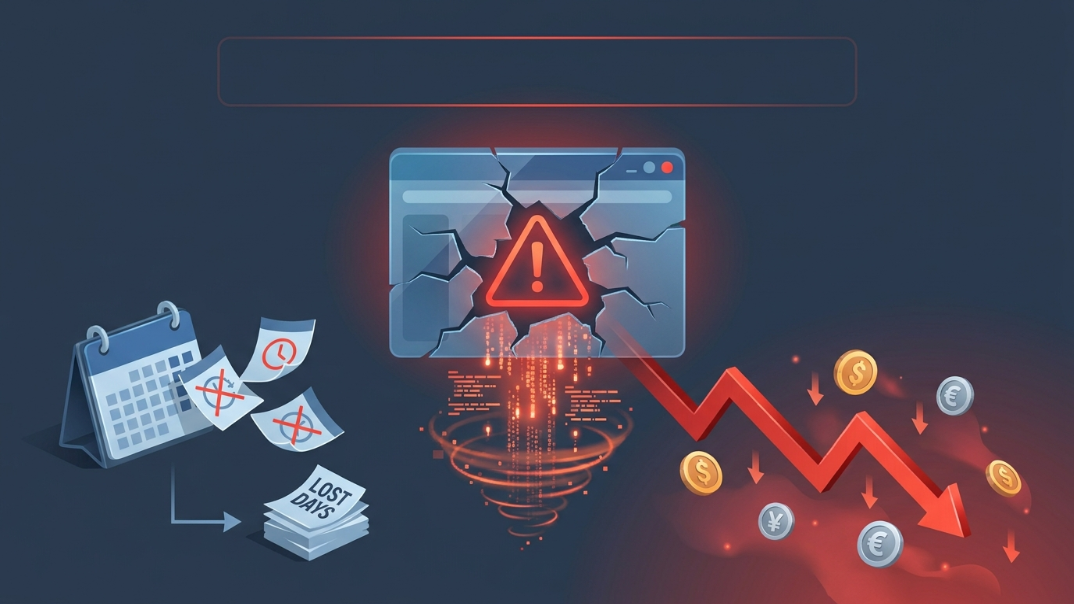
The financial exposure is brutal. IBM's research shows breaches that an attacker discloses (rather than your own team) average USD 5.08 million, while in the United States the average breach now exceeds USD 10 million. Worse, the report found that 63% of breached organizations lacked basic governance over their AI systems, leaving sensitive data exposed. The pattern is consistent: the cost is not the attack itself it is the undetected attack that sits in your stack for months.
There is a quieter cost too. When a vulnerability surfaces in a live enterprise app, teams scramble to patch under pressure, often introducing new bugs and unplanned outages. A scheduled audit replaces that chaos with a calm, prioritized roadmap. This is why we bake security review directly into our enterprise application development services rather than treating it as an afterthought.
The risk compounds on mobile. Public app stores, jailbroken devices, and reverse-engineered APKs mean a mobile client is effectively running in hostile territory. Frameworks like the OWASP Mobile Application Security project exist precisely because mobile threat models differ from web something we account for in every mobile app development engagement. The takeaway is simple: an unaudited enterprise app is not "probably fine." It is an unpriced liability. The good news is that fixing it does not require switching the app off.
How to Run the Audit Without Downtime Step by Step
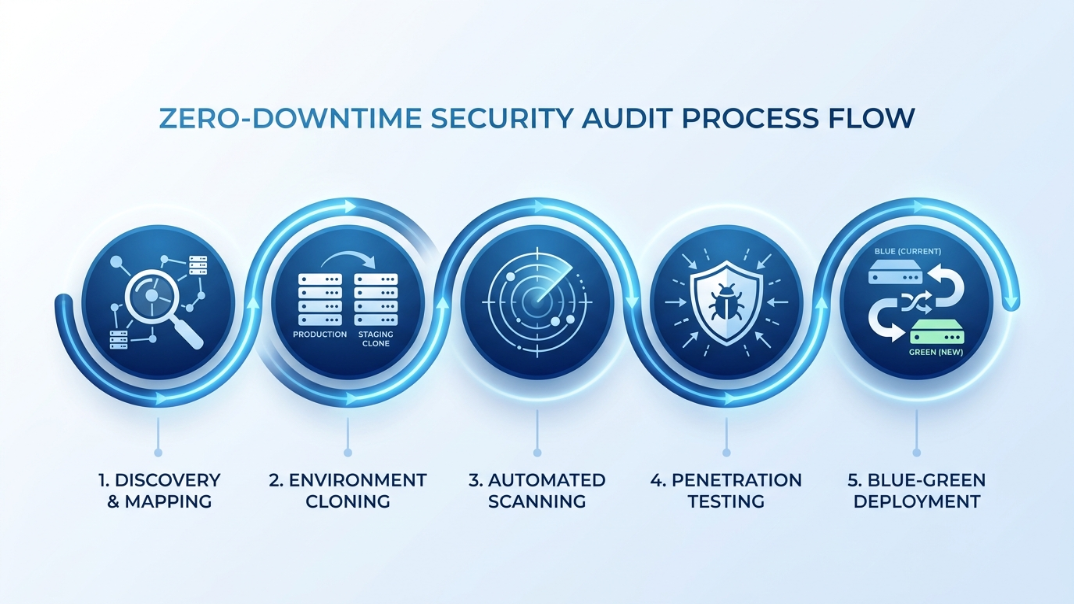
The secret to a zero-downtime audit is this: you never test the way an attacker would damage you you test where it cannot hurt you. Here is the five-step process we follow.
1. Map the attack surface (read-only). Result: A complete inventory of every endpoint, API, dependency, and data store with zero production impact. How: Discovery uses read-only access and passive scanning. Nothing is changed, nothing is loaded; we simply document what exists.
2. Clone production into a staging mirror. Result: A safe environment that behaves exactly like production but can be stress-tested freely. How: We replicate the live stack into an isolated staging environment with anonymized data. Aggressive and destructive tests run here never on the live app.
3. Run automated scanning (SAST + DAST). Result: Fast, broad coverage of known vulnerability classes. How: Static analysis (SAST) inspects source code; dynamic analysis (DAST) probes the running staging app. We schedule any production-side DAST during off-peak windows with strict rate limits.
4. Manual penetration testing. Result: Detection of business-logic flaws that scanners always miss. How: Senior testers manually attempt privilege escalation, broken access control, and API abuse against the staging mirror guided by the OWASP Top 10 and your specific threat model.
5. Prioritize, report, and patch via safe rollout. Result: A ranked, fix-ready report and patches deployed with no outage. How: Fixes ship through blue-green or canary deployment so traffic shifts to the patched version only after validation with instant rollback if anything misbehaves.
Zero-downtime audit where each test runs:
| Test type | Environment | Production impact |
|---|---|---|
| Surface mapping & discovery | Production (read-only) | None |
| SAST (code analysis) | Code repository | None |
| DAST (dynamic scanning) | Staging mirror | None |
| Penetration testing | Staging mirror | None |
| Patch deployment | Blue-green / canary | None |
For audits that need continuous coverage after the first pass, we layer in AI-powered automation for runtime monitoring and alerting. The same discipline applies whether the asset is a mobile app, an internal tool, or a customer-facing SaaS platform development project.
Real Results What Cinute's Clients Achieve
CinuteInfoMedia has delivered 300+ projects across 25+ countries since 2014, with a strong client retention and a solid security track record on apps we maintain. Security audits are not a side service they are how we keep that record intact.
Mini case study (anonymized):
- Challenge: A B2B SaaS client with a live, paying customer base needed a full security audit before a major enterprise deal but could not afford any downtime during the buyer's evaluation period.
- Approach: Our team built a staging mirror with anonymized data, ran SAST and DAST plus manual penetration testing against it, and scheduled the only production-side scans for a low-traffic overnight window. Patches shipped through canary deployment.
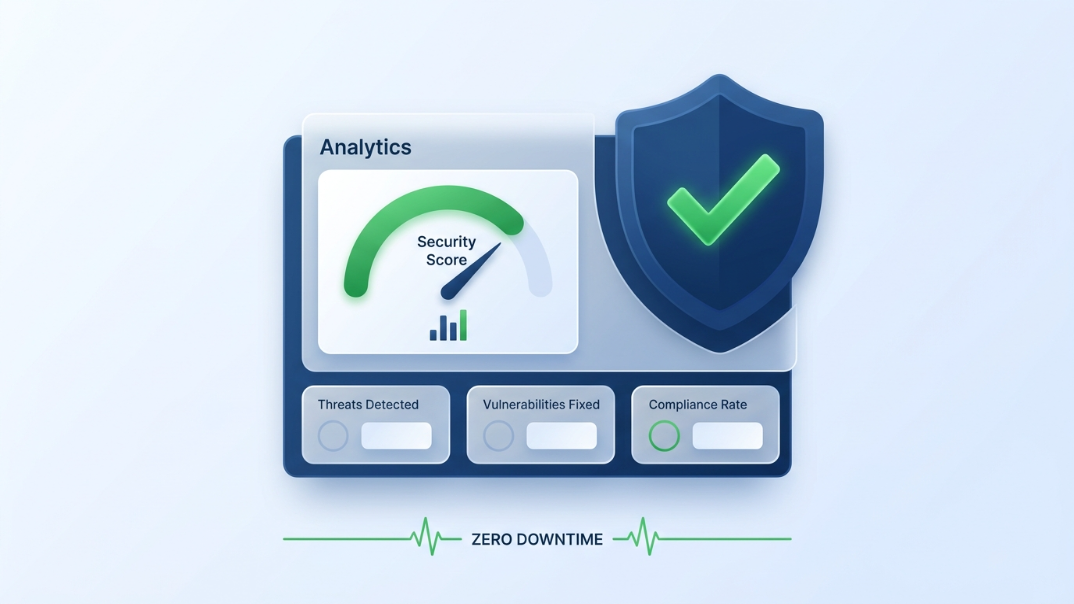
- Result: 31 vulnerabilities identified and ranked, 9 of them critical. All critical issues were patched within two weeks, the enterprise deal cleared its security review, and the live app recorded zero minutes of downtime across the entire engagement.
Outcomes like this are repeatable because the process is engineered, not improvised. Our expert engineering team pairs certified security testers with the developers who will actually ship the fixes so findings turn into patches instead of sitting in a PDF. The audit report is written for two readers at once: engineers get reproduction steps and remediation code, while leadership gets a plain-English risk ranking tied to business impact.
Enterprise App Security Audit vs DIY and Cheaper Alternatives
Not every audit is equal. Here is an honest comparison of the three routes most enterprises consider.
| Factor | DIY / in-house spot-check | Cheap freelance vendor | CinuteInfoMedia approach |
|---|---|---|---|
| Coverage | Tool output only, gaps in business logic | Automated scan, thin manual testing | SAST + DAST + full manual penetration testing |
| Downtime risk | High tests often hit production | Medium no staging discipline | Zero staging mirror + off-peak windows |
| Report quality | Raw scanner export, no prioritization | Generic findings, weak remediation | Ranked by business risk, fix-ready code |
| Fix support | Falls on your busy team | None report and walk away | Developers patch alongside testers |
| Re-test | Rarely done | Charged extra | Verification re-test included |
The pattern is clear. A DIY check tells you something is wrong but rarely what matters most, and it often causes the downtime you were trying to avoid. A bargain vendor hands you a scanner export with no path to resolution. A specialist audit costs more upfront but is far cheaper than a breach and it leaves you with a hardened app, not just a document. We also keep your app protected after the audit through ongoing application support and maintenance, because security is a state you maintain, not a box you tick once.
How to Get Started With CinuteInfoMedia
Booking an enterprise app security audit with us follows a simple, transparent four-step path:
- Discovery : A short call to understand your app, stack, compliance needs, and uptime constraints.
- Audit : We map the surface, build the staging mirror, and run automated plus manual testing all with zero production impact.
- Blueprint :You receive a prioritized, fix-ready report ranked by real business risk.
- Execution : Our developers patch critical issues with safe rollout, then run a verification re-test.
We open a limited number of free 30-minute audit consultations each month, and slots for this cycle are filling. If a live enterprise app is carrying unknown risk right now, the most expensive choice is to wait.
Free Audit CTA visually distinct Get a free 30-minute digital audit. Limited slots this month. → Start your free digital audit
Frequently Asked Questions
Q1. What is an enterprise app security audit?
It is a structured assessment of a business-critical application covering code, APIs, infrastructure, data flows, and access controls to find and rank vulnerabilities before attackers exploit them. A complete audit blends automated scanning with manual penetration testing and ends with a prioritized, fix-ready remediation report.
Q2. How long does an enterprise app security audit take?
Most enterprise app security audits run two to four weeks, depending on the size of the attack surface and the number of integrations. Discovery and staging setup take a few days, automated and manual testing form the bulk of the timeline, and reporting plus a verification re-test close it out.
Q3. How much does an enterprise app security audit cost?
Cost depends on app complexity, number of APIs, and compliance scope, so pricing is quoted per project after discovery. What matters more is the comparison: a thorough audit is a fraction of the multi-million-dollar average cost of a single data breach it helps you prevent.
Q4. Can a security audit really be done without downtime?
Yes. Destructive and aggressive tests run on an isolated staging mirror, not production. Surface mapping uses read-only access, any production-side scans are scheduled for off-peak windows, and patches deploy through blue-green or canary rollout so a properly run audit costs zero minutes of uptime.
Q5. How often should enterprise apps be audited?
A full audit is recommended at least once a year, and additionally after any major release, infrastructure change, or new integration. High-risk apps handling payments or sensitive data benefit from continuous runtime monitoring layered on top of the annual deep audit.
Conclusion
An enterprise app security audit is not a disruption to fear it is a controlled, engineered process that hardens your application while it stays fully live. The real risk is the unaudited app quietly carrying a flaw that becomes a multi-million-dollar breach. With staging mirrors, off-peak scanning, and safe rollout, you get complete coverage and zero downtime. Ready to transform your application's security posture? Contact CinuteInfoMedia for a free audit today.
Related Articles
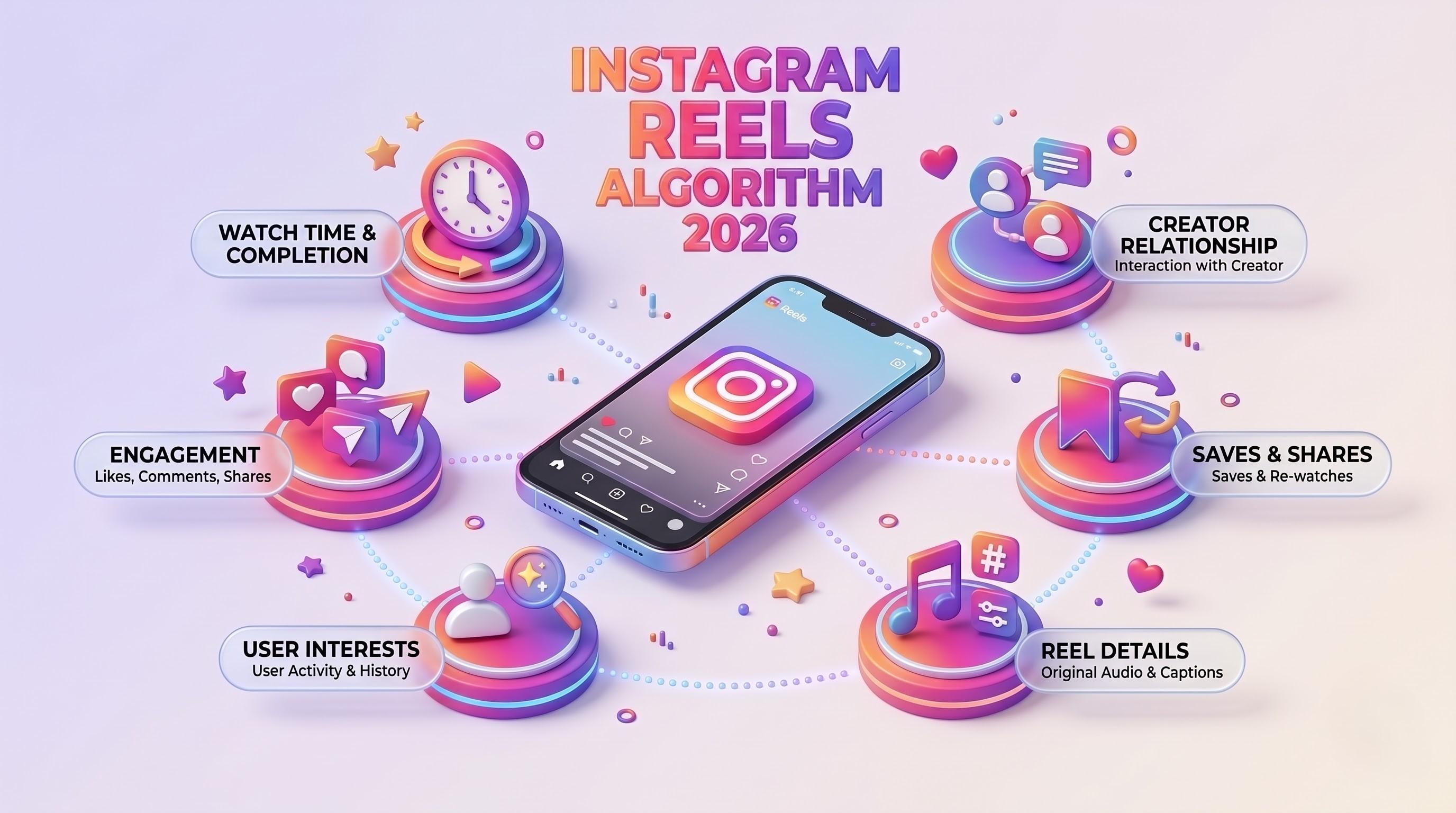
Instagram Reels Algorithm 2026: A Simple Guide for Tech-Savvy Teams
The Instagram Reels algorithm in 2026 ranks videos by watch time, DM sends and likes per reach. This easy guide explains how Reels are tested, what changed recently, and a practical checklist for developers, marketers, CTOs and product teams.

Business Corporate Intranets: A Simple Guide for Tech Teams
Business corporate intranets give every employee one secure place for news, files, people and tools. This easy guide covers features, architecture, security and a step-by-step build plan for CTOs, developers, testers and marketers.

Brand Guideline Creation: A Step-by-Step Guide for Tech Brands
Brand guideline creation turns your logo, colours, fonts and voice into one clear rulebook for designers, developers, testers and marketers. This easy guide covers the core components, an 8-step process, design tokens for code, and how to connect your brand to SEO and AI.