
Table of Contents
Choosing a Content Management System (CMS) in 2026 is no longer just about "writing posts" it’s about architectural sovereignty. For years, WordPress has been the undisputed king of the web, powering a massive portion of the internet. However, as businesses demand faster load times, better security, and omnichannel content delivery, the Headless CMS movemented by Sanity has emerged as a formidable challenger.
At Cinute Info media, we’ve seen countless enterprises struggle with "plugin bloat" and performance bottlenecks. This guide is designed to cut through the marketing noise. We break down Sanity vs WordPress from a technical, financial, and strategic perspective. Whether you are a startup looking for agility or an enterprise aiming for massive scale, understanding the fundamental shift from Traditional to Headless is the key to your future digital success. Let’s dive into the core differences that will define your web presence for the next decade.
The Core Philosophy: Monolith vs. Headless
To understand which CMS is right for you, we must first look at their DNA.
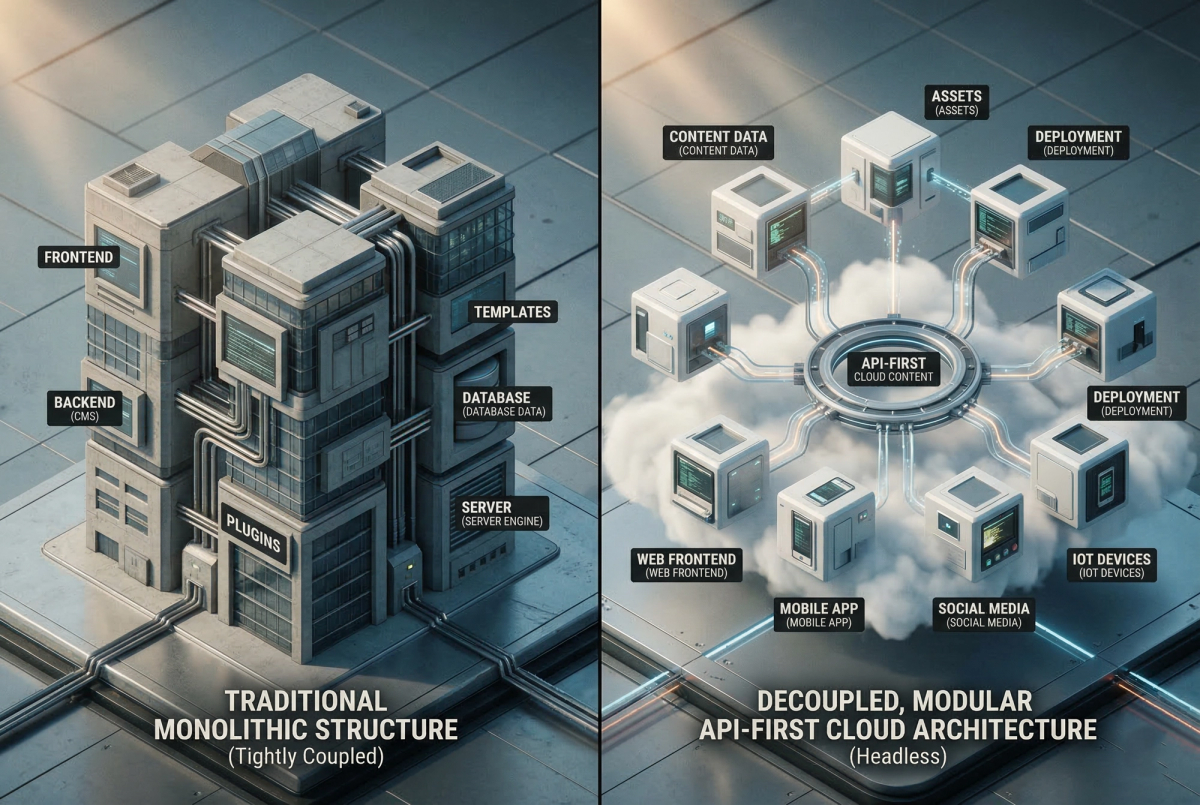
WordPress: The Traditional Monolith WordPress is what we call a "coupled" CMS. This means the backend (where you create content) and the frontend (the website your users see) are joined at the hip. When a user visits your site, WordPress uses PHP to pull data from a MySQL database and renders it into a theme. It is a "Site-Builder" first. It was designed in an era where the web was viewed only on desktop browsers.
Sanity: The Composable Content Lake Sanity is a Headless CMS. It separates the "head" (the frontend) from the "body" (the backend). Sanity treats your content as Structured Data stored in a "Content Lake." It doesn't care if your website is built with React, Vue, or Next.js. It simply provides the data via a high-speed API. This decoupling allows you to swap your frontend technology without ever touching your database.
Technical Deep Dive: Speed & Core Web Vitals
In the age of Google’s Page Experience update, site speed is non-negotiable.
The WordPress Performance Tax: Because WordPress is dynamic, it requires server-side processing for every request. As you add plugins for SEO, forms, or security, your "Time to First Byte" (TTFB) slows down. You are essentially carrying the weight of a 20-year-old codebase on every page load. Even with heavy caching, a WordPress site often struggles to hit 90+ scores on mobile performance tests once it grows beyond a few pages.
The Sanity Speed Advantage: Since Sanity is headless, developers can use Static Site Generation (SSG) or Incremental Static Regeneration (ISR).
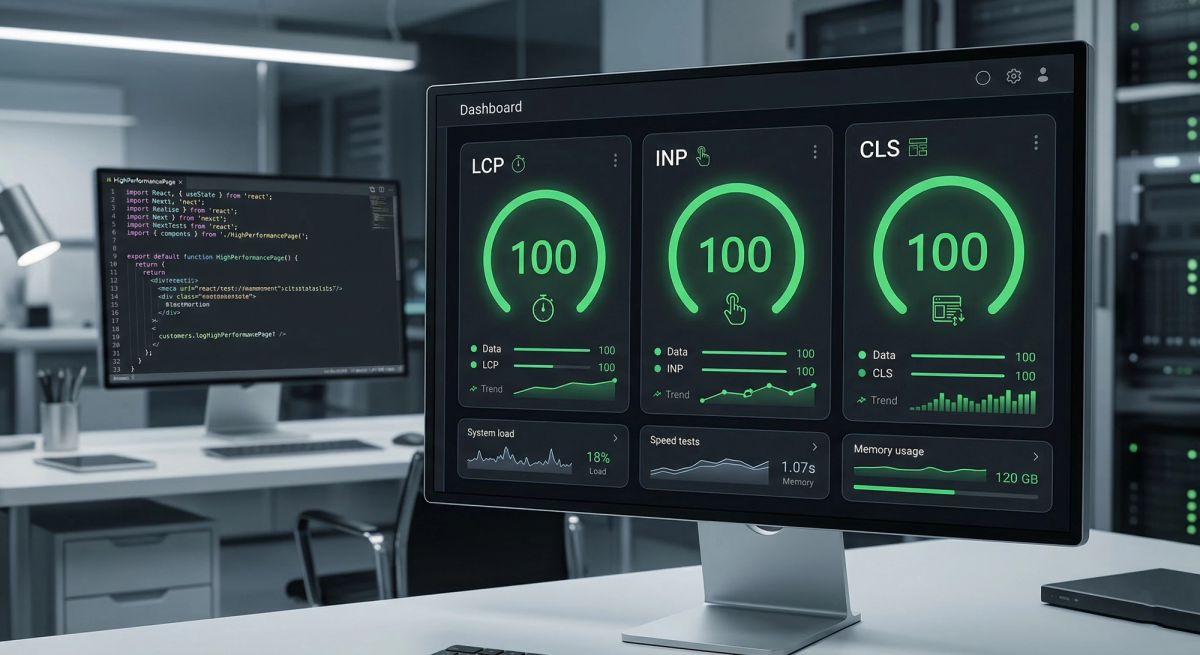
This means your website is pre-compiled into static HTML files and served via a Global CDN. There is no database query happening when a user clicks a link. At Cinute Infomedia, we’ve seen headless migrations result in a meaningful decrease in bounce rates due to near-instant page loads.
Security: Why Headless is Inherently Safer
WordPress is the most targeted platform on the internet. Because the backend is directly connected to the frontend, a vulnerability in a single plugin can give a hacker access to your entire database.

Sanity’s architecture is natively secure. Since there is no "live" backend accessible via the website's URL, the attack surface is virtually eliminated. Your content is delivered via an API that is read-only for the general public. There is no wp-admin page for hackers to brute-force. For enterprise clients concerned with Cybersecurity, Sanity offers a level of peace of mind that WordPress simply cannot match without expensive third-party firewalls.
Content Modeling vs. Page Building
One of the biggest shifts when moving from WordPress to Sanity is moving from "Page Building" to "Content Modeling."
- WordPress (The Page View): You think in terms of pages. You use a block editor (Gutenberg) to place an image, then some text, then a button. This content is trapped in that specific layout.
- Sanity (The Data View): You think in terms of objects. An "Author" is a data object. A "Product" is a data object. You define the fields (name, bio, price), and that data can be pulled into a blog post, a sidebar, a mobile app, or a checkout page automatically.
This is the foundation of Agentic AI integration. AI agents struggle to parse messy WordPress HTML, but they excel at reading the structured JSON data that Sanity provides.
Scalability: From Local Business to Global Enterprise
WordPress scales by adding more server power (CPU/RAM). Sanity scales by its nature as a SaaS (Software as a Service).
When your traffic spikes from 1,000 to 1,000,000 visitors, a WordPress site will likely crash unless you have an elite DevOps team. A Sanity-backed site, served via a CDN like Vercel or Netlify, won't even blink. This makes Sanity the preferred choice for high-growth startups and global brands that cannot afford downtime during a product launch or a viral marketing campaign.
Comparison Table: Feature-by-Feature
| Feature | WordPress (Traditional) | Sanity (Headless) |
|---|---|---|
| Ease of Setup | Extremely High (1-click install) | Moderate (Requires Developers) |
| Customization | Limited by Themes/Plugins | Unlimited (React-based) |
| SEO Control | High (via Plugins) | Exceptional (Bespoke Schema) |
| Speed/Performance | Average to Poor | Industry-Leading (99-100/100) |
| Security | Vulnerable (High Maintenance) | High (Native API Security) |
| Multichannel | Difficult / Hacky | Native (API-First) |
| Maintenance | High (Weekly Updates) | High (Weekly Updates) |
The Total Cost of Ownership (TCO)
A common misconception is that WordPress is "cheaper" because it is free software. However, as an SEO analyst, I look at the hidden costs:
- Technical Debt: The cost of fixing a site that has become slow due to too many plugins.
- Developer Hours: WordPress developers often spend 30% of their time just doing "maintenance" rather than building new features.
- Hosting: Scalable WordPress hosting is significantly more expensive than the "free tier" hosting available for headless sites.
While Sanity requires a higher upfront investment in development, the long-term ROI is significantly higher because the site remains fast and secure for years without requiring a "rebuild."
Migration Strategy: How to Switch
Moving from WordPress to Sanity is a major strategic move. At Cinute Infomedia, we follow a 4-step migration process:
- Audit: Identify which parts of your WordPress site are bloated and which content is actually driving revenue.
- Schema Design: Build a custom Content Model in Sanity that reflects your business—not just your website.
- Data Export/Import: Using Sanity’s powerful CLI tools, we migrate thousands of posts and images with zero data loss.
- Frontend Build: We build a lightning-fast frontend using Next.js, ensuring your SEO rankings are preserved (or improved) through proper 301 redirects and metadata mapping.
Integrating Agentic AI & Autonomous Workflows
As we look toward 2027, the role of a CMS is changing. We are no longer just storing text; we are feeding AI Agents. Sanity’s structured data approach is the perfect fuel for Autonomous Workflows.
For example, when you hit "Publish" in Sanity, an AI agent can:
- Automatically generate social media snippets.
- Suggest relevant interlinking based on the content lake.
- Translate the post into 5 different languages.
- Update your Global SEO Schema in real-time.
FAQ Section
1. Is WordPress better for SEO than Sanity?
Not necessarily. While WordPress has excellent plugins like Yoast, Sanity allows for Technical SEO that is far superior. Because Sanity sites are faster and have cleaner code, they often rank better for competitive keywords.
2. Can I use Sanity for E-commerce?
Absolutely. We frequently pair Sanity with Shopify (via Hydrogen) to create high-performance "headless commerce" stores that convert better than standard Shopify templates.
3. Is Sanity difficult for non-technical editors?
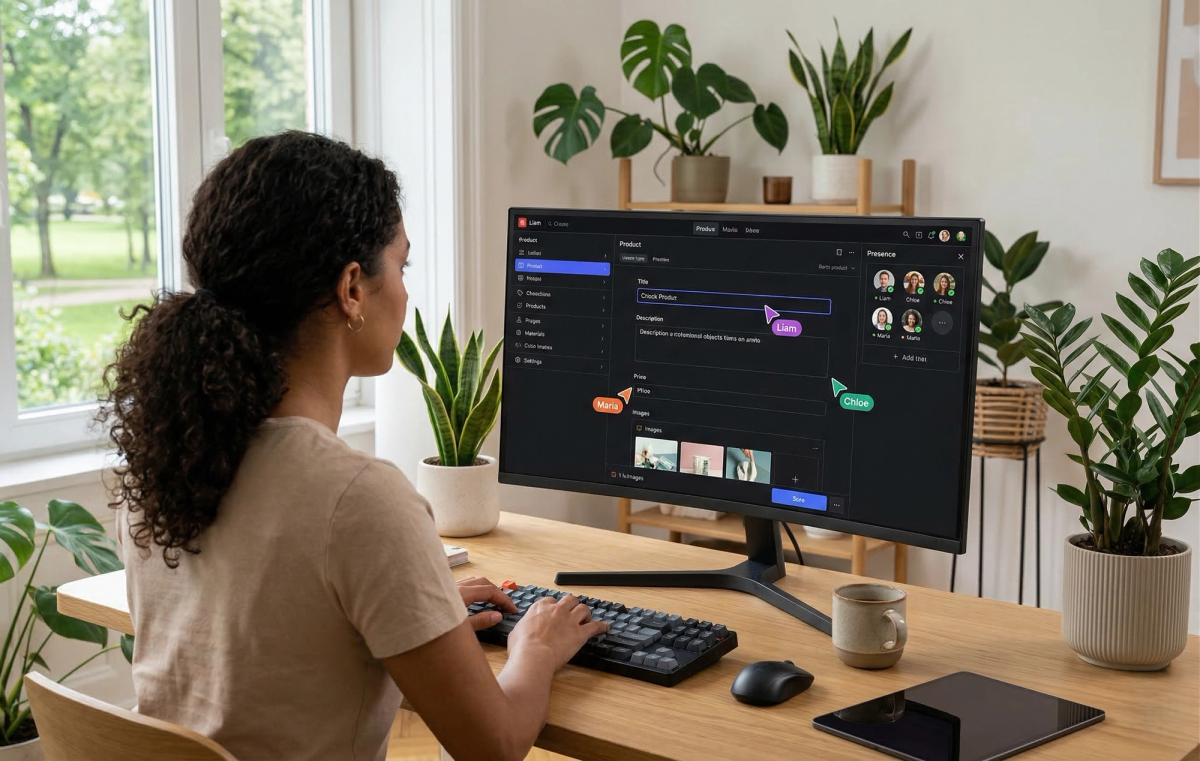
Actually, most editors prefer Sanity once they try it. The interface is cleaner, faster, and doesn't have the "clutter" of the WordPress dashboard. It allows for Real-time Collaboration, similar to Google Docs.
4. Will I lose my SEO ranking if I migrate?
If done correctly by an expert team like Cinute Infomedia, your rankings will likely improve. We ensure all technical SEO elements—H-tags, alt text, and URL structures—are perfectly mapped during the transition.
Conclusion
The battle of Sanity vs WordPress isn't about which tool is "better" in a vacuum; it's about which tool aligns with your vision for the next five years. If you need a simple, template-based site, WordPress is a reliable veteran. But if you are building a modern, scalable, and lightning-fast digital brand, the headless flexibility of Sanity is the clear winner.
At Cinute Infomedia, we don't just build websites; we build competitive advantages. Transitioning to a headless architecture is a strategic move that pays dividends in speed, security, and search engine dominance.
Related Articles
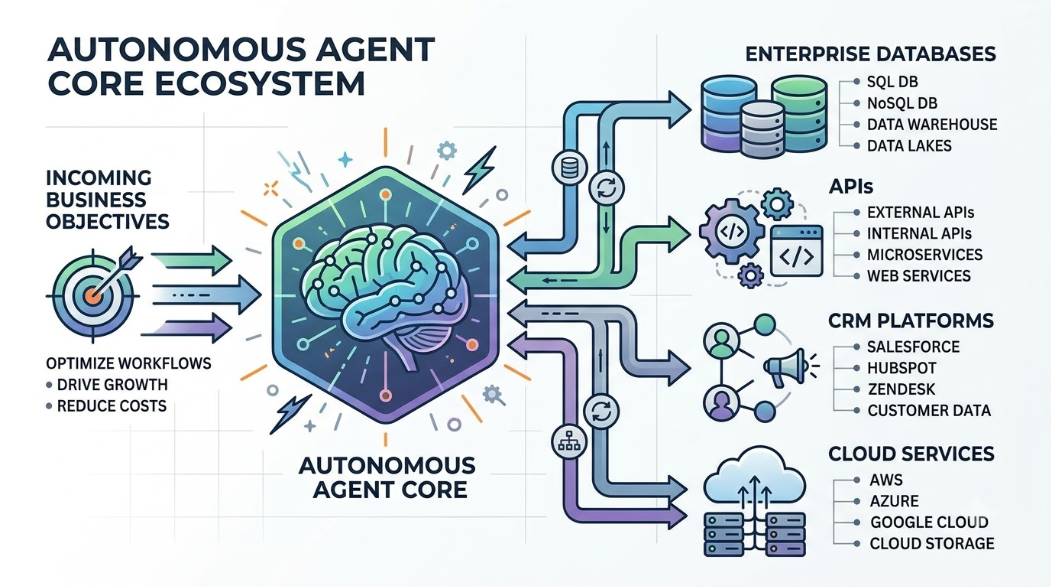
What Are AI Agents? How They Work, Benefits, Architecture, and Enterprise Adoption
A comprehensive guide for technology leaders exploring the shift from conversational chatbots to autonomous AI agents. Learn the core architecture, 8-stage operational lifecycle, high-impact enterprise use cases, integration patterns, security risks, and multi-layered testing frameworks required to deploy agentic automation responsibly.
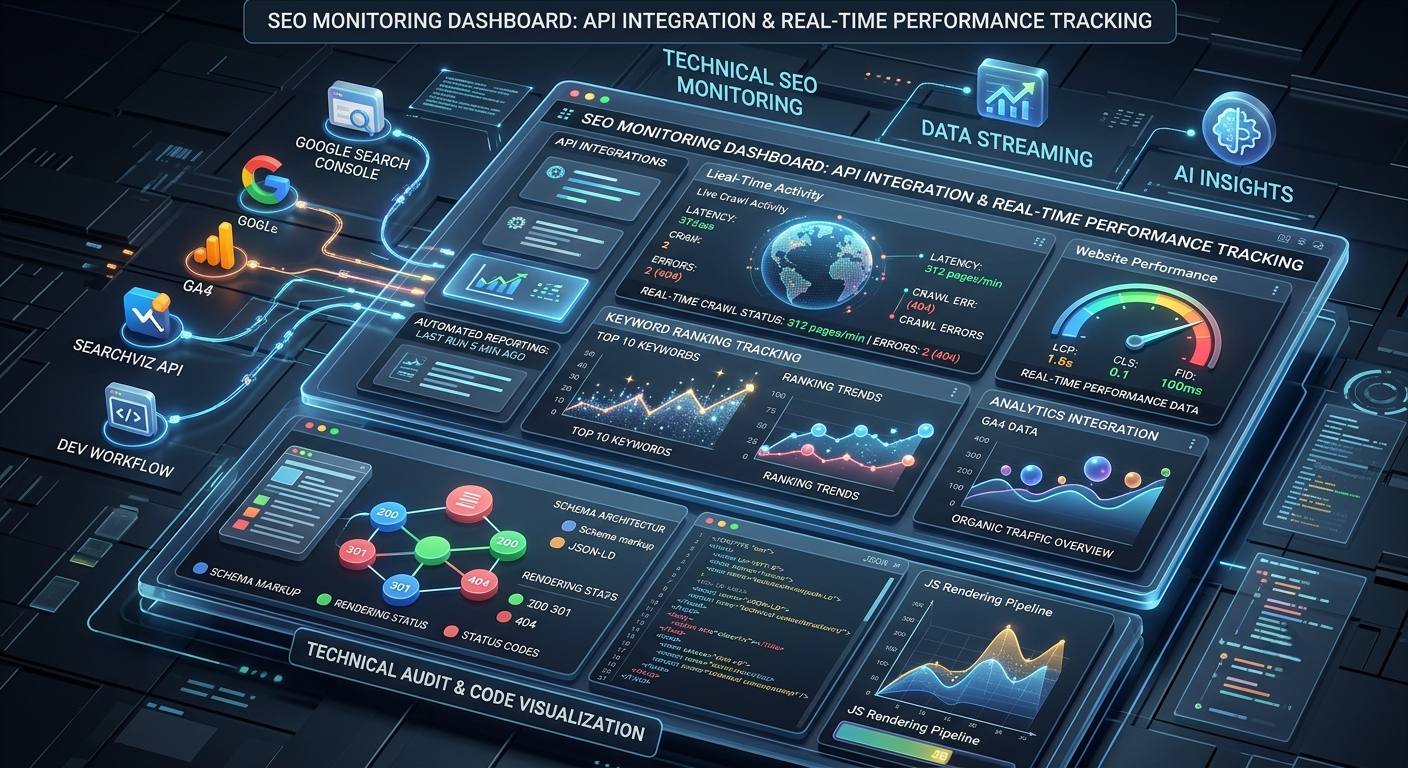
SEO Monitoring Tools: Technical Implementation Guide for Developers
Comprehensive technical guide to SEO monitoring tools designed for software developers and product managers. Learn how to integrate monitoring into development workflows, track technical SEO metrics, and automate performance reporting with modern tools and APIs.
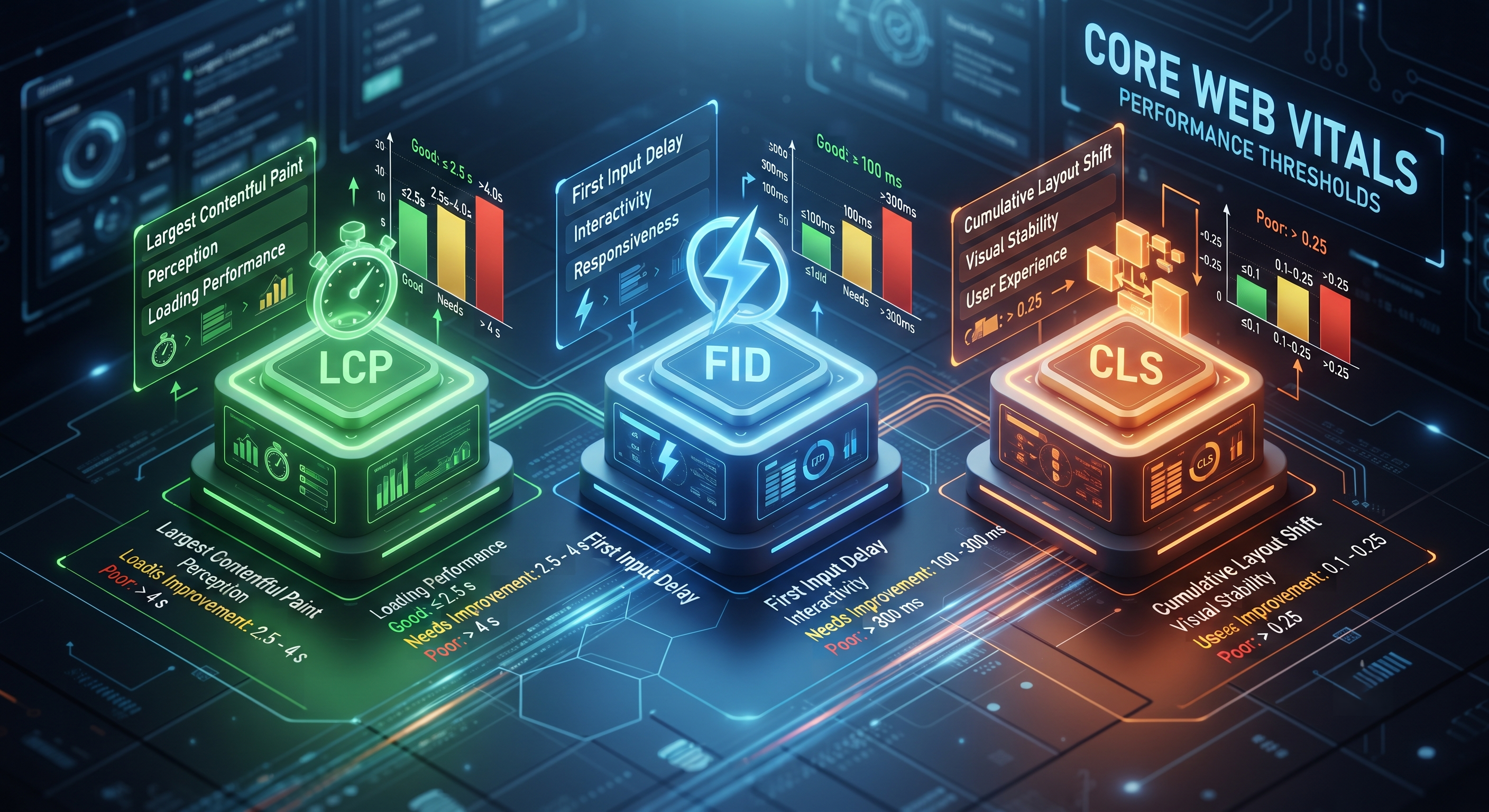
Core Web Vitals Fixes Guide: Complete Technical Implementation for Developers
Master Core Web Vitals optimization with our technical implementation guide. Learn LCP, FID, CLS fixes with code examples and strategies tailored for developers and CTOs.