
Table of Contents
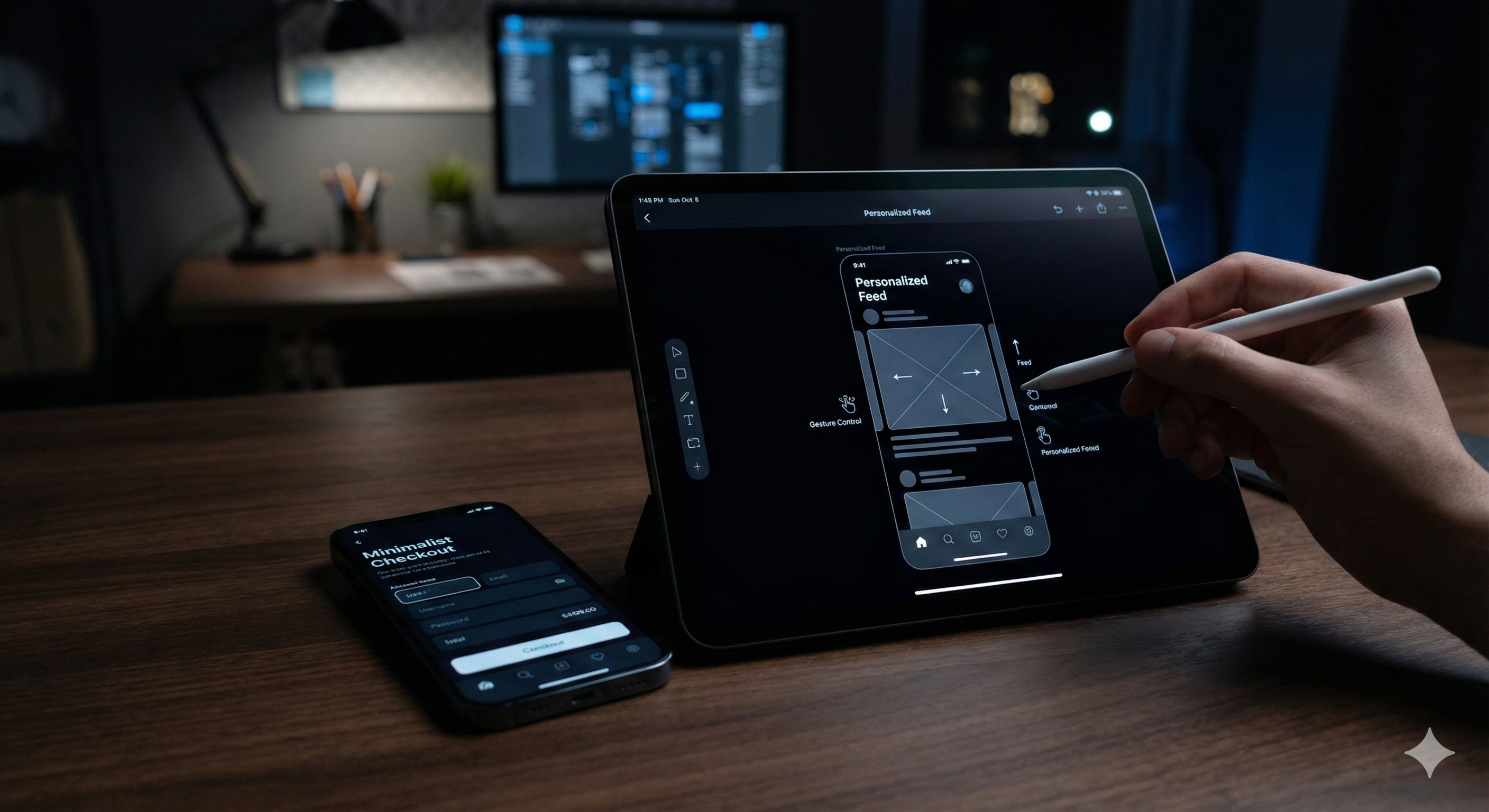
In the current digital ecosystem, your mobile presence is no longer a secondary touchpoint-it is the primary battlefield for brand loyalty. As we progress through 2024, the threshold for "good" mobile design has shifted. Users no longer just want functional apps; they demand intuitive, frictionless, and emotionally resonant experiences. At Cinute Infomedia, we’ve observed that the most successful digital products are those that stop treating UX as a layer of paint and start treating it as the core engine of business growth.
This guide explores the architectural shifts in mobile UX, from AI-driven personalization to the "invisible" interface of gesture-based navigation. Whether you are a startup or an enterprise, these insights will help you benchmark your mobile strategy against 2024’s highest standards.
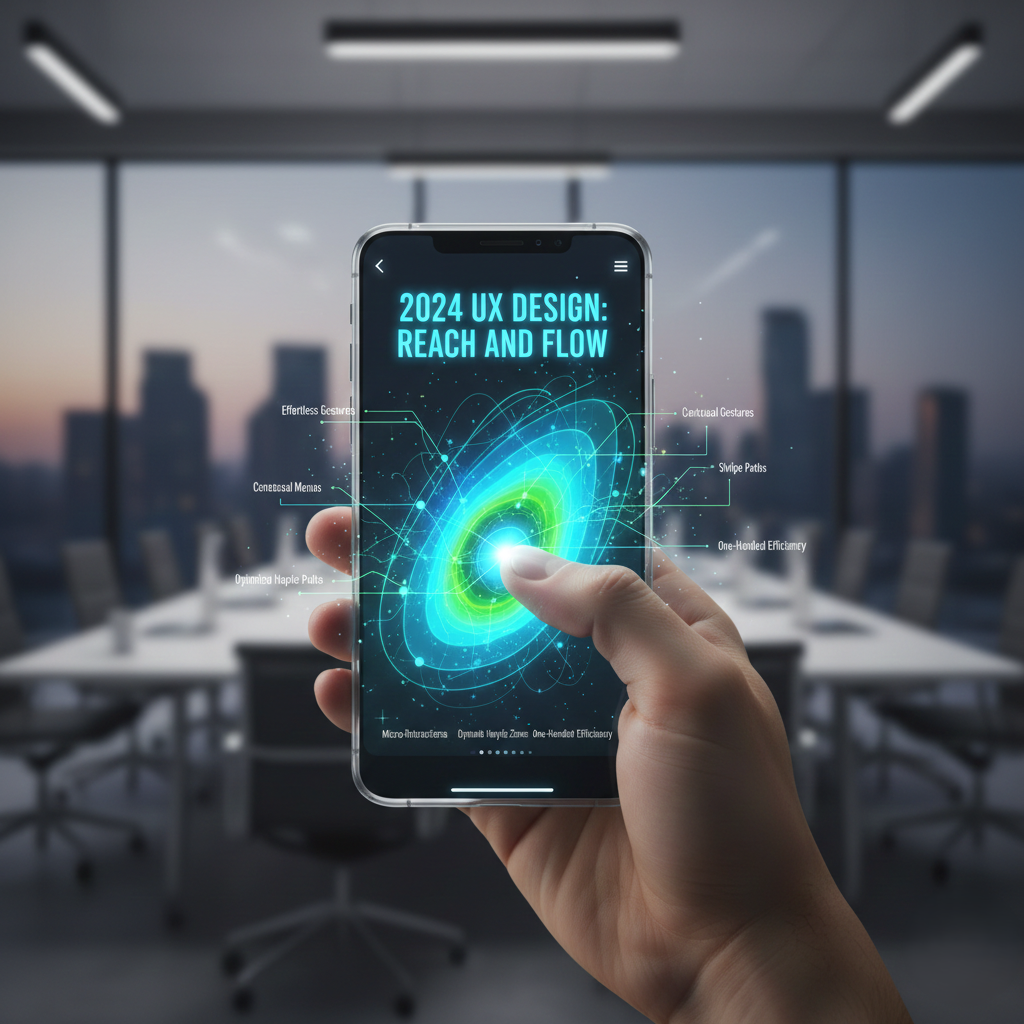
1. The Era of the "Invisible Interface": Gesture-Based Navigation
The most significant trend in 2024 is the move toward a "buttonless" world. As mobile screens become larger and bezels disappear, the interface is becoming an extension of human physiology. Golden Krishna once famously said, "The best interface is no interface," and in 2024, this philosophy has become a functional reality.
The Science of Intuitive Swiping
Swipe navigation has evolved from a simple "back" gesture to a multi-layered navigation system. High-performance apps now use edge-swiping to manage complex hierarchies without cluttering the screen with "Hamburger" menus. This reduces cognitive load, allowing users to focus entirely on the content.
Beyond the Tap: Long-Press and Pinch-to-Zoom
- Long-Press Actions: In 2024, the long-press (or haptic touch) serves as a "Right Click" for mobile. It allows for contextual shortcuts, such as previewing an email or adjusting settings without leaving the main feed.
- Pinch and Zoom 2.0: No longer reserved for photos, pinch-to-zoom is being integrated into data visualization and complex UI maps, providing users with a sense of control over dense information.
Pull-to-Refresh: A Branding Opportunity
The pull-to-refresh gesture is now a playground for micro-branding. Instead of a generic spinning wheel, 2024’s top-tier apps use custom animations that reflect the brand's personality, turning a moment of "waiting" into a moment of "delight."
Expert Insight: If your navigation still relies heavily on footer buttons, you are losing the thumb-zone war. To modernize your architecture, consider our specialized Mobile App Development Services to implement gesture-first logic.
2. Hyper-Personalization at Scale: The AI Revolution
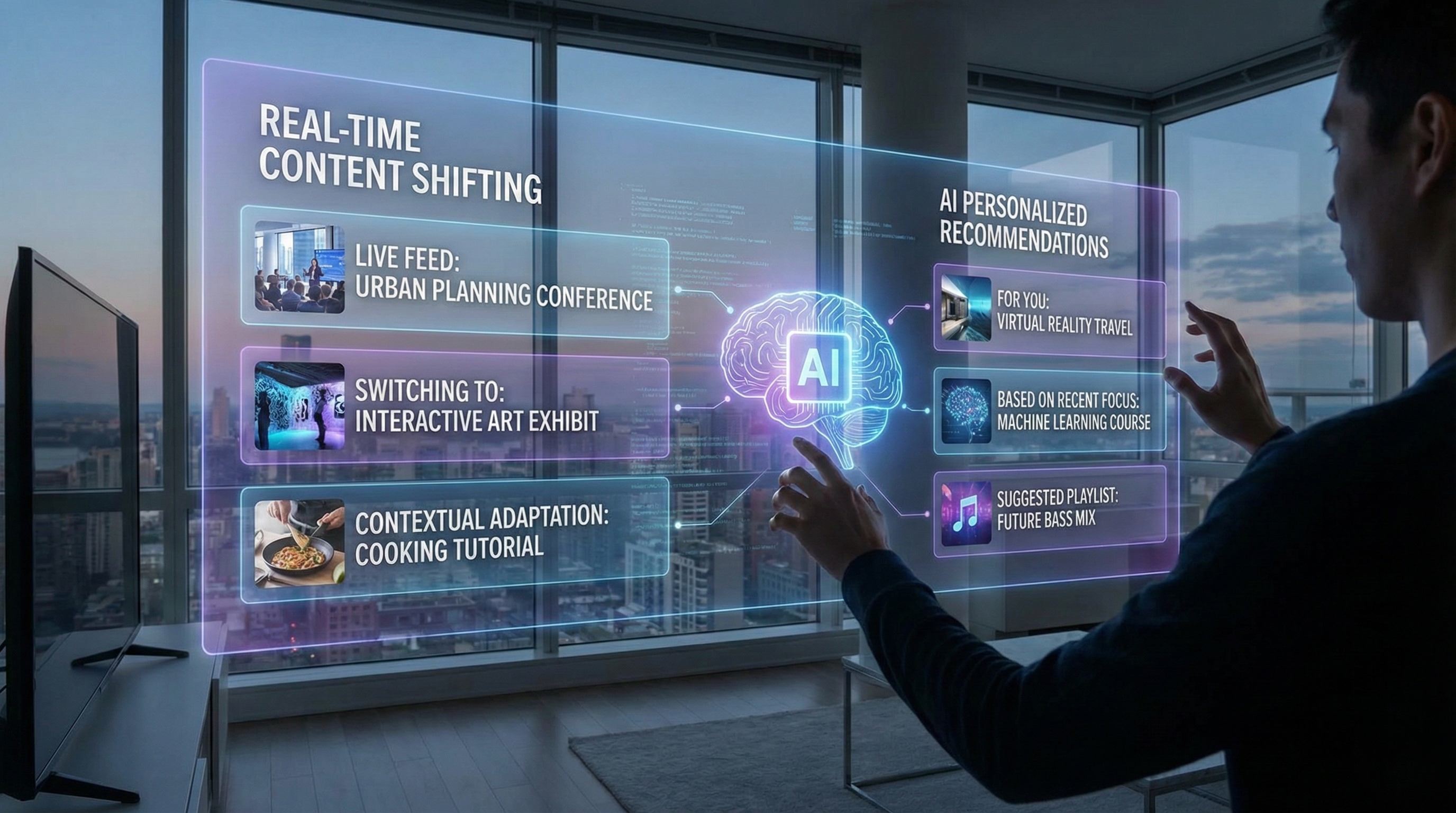
Personalization in 2024 has moved past "Hello [Name]." It is now predictive, proactive, and powered by Machine Learning (ML). The goal is to create a unique version of the app for every single user.
Predictive Content Delivery
Using historical data, apps today predict what a user wants to see before they even scroll. This is visible in news aggregators and e-commerce platforms where the "Discover" feed is curated in real-time. This isn't just UX; it's a conversion engine.
Adaptive User Interfaces (AUI)
An Adaptive UI changes its layout based on user behavior. If a user primarily uses the "Search" function rather than "Categories," the app may move the search bar to the most accessible area of the screen. This level of fluidity is what defines 2024’s most successful products.
The Impact on ROI
The data is clear: Apps that leverage AI-driven personalization see a 2.5x increase in engagement and a 3x improvement in user retention. By reducing the "search time" and increasing the "discovery time," you directly impact the bottom line.
Digital Transformation Tip: Integrating AI into your UI requires a robust backend. Explore how our Web Development Solutions can help you build the infrastructure needed for adaptive interfaces.
3. Micro-Interactions and the "Emotional" Mobile Experience
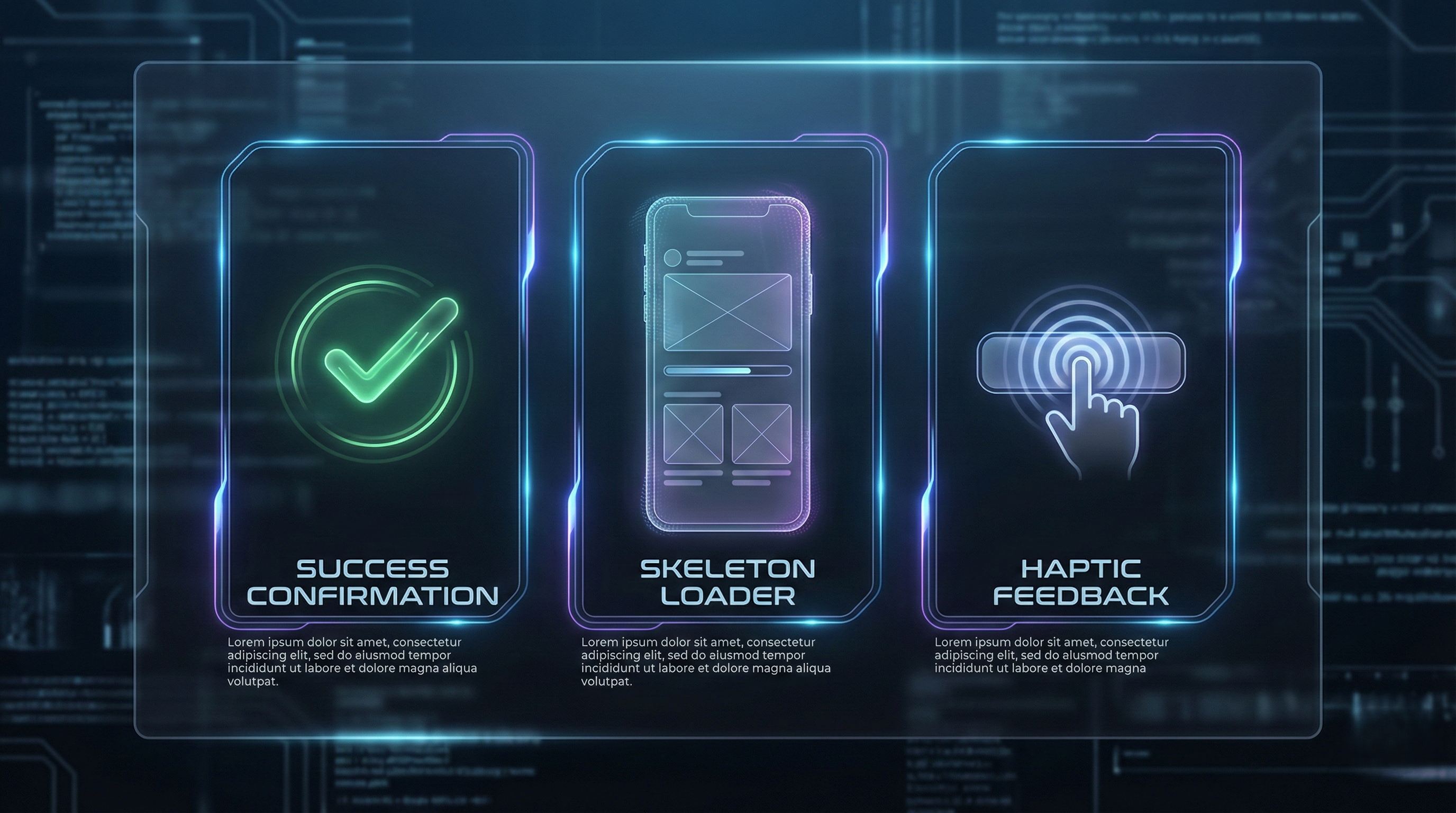
Micro-interactions are the small functional animations that provide feedback to the user. In 2024, these aren't just "nice to have"-they are the bridge between a static screen and a living product.
Button States and Haptic Feedback
When a user presses a button, they need to feel it. The use of Apple’s UINotificationFeedbackGenerator (as shown in the Swift snippet below) has become standard for high-end UX.
Swift
// Example of 2024 Haptic Integration import UIKit func triggerSuccess() { let generator = UINotificationFeedbackGenerator() generator.notificationOccurred(.success) }
Success Celebrations and Error Handling
- Success Celebrations: Completing a task (like a payment) should feel like a win. Subtle confetti animations or smooth checkmark transitions reinforce positive behavior.
- Humanized Error Feedback: Instead of a red "Error 404," modern UX uses gentle shakes (mimicking a "no" head movement) and helpful prompts to guide the user back to the correct path.
Loading Indicators: The End of the Spinner
2024 has killed the "Loading Spinner." It is replaced by Skeleton Screens-ghostly outlines of the content that is about to load. This makes the app feel faster than it actually is by providing a visual roadmap of the data.
4. Accessibility as a Default (Inclusive Design)
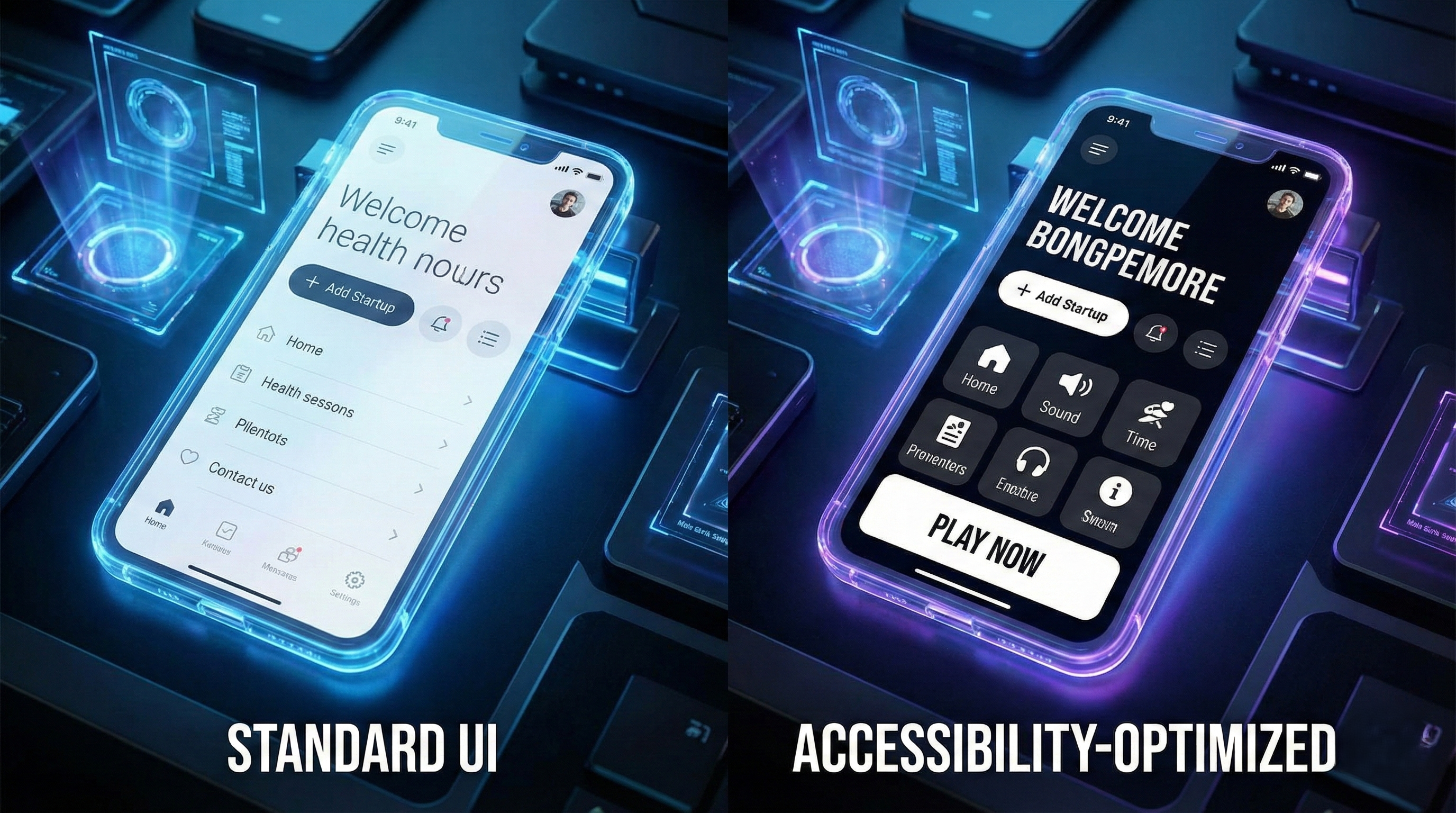
In 2024, accessibility is no longer a checklist for the legal department; it is a fundamental design philosophy. With 1 in 4 users living with some form of disability, inclusive design ensures your product is usable by everyone, regardless of their situational or permanent limitations.
Larger Touch Targets
The "Fat Finger" syndrome is a real UX challenge. 2024 standards require touch targets to be at least 44x44 pixels to ensure that users with motor impairments (or those simply walking while using their phone) can interact accurately.
High Contrast and Screen Reader Optimization
- Dynamic Type: Support for system-wide font size changes is mandatory.
- VoiceOver/TalkBack: Ensuring your app's code is semantically correct allows screen readers to navigate your UI logically.
- Reduced Motion: For users with vestibular disorders, providing a toggle to turn off parallax effects and heavy transitions is a sign of a mature, empathetic product.
Expert Recommendation: A truly accessible site is also a highly searchable site. Our Digital Marketing Services focus on creating inclusive content that search engines love to rank.
5. Strategic UI Design: Minimalist Typography and Brutalism
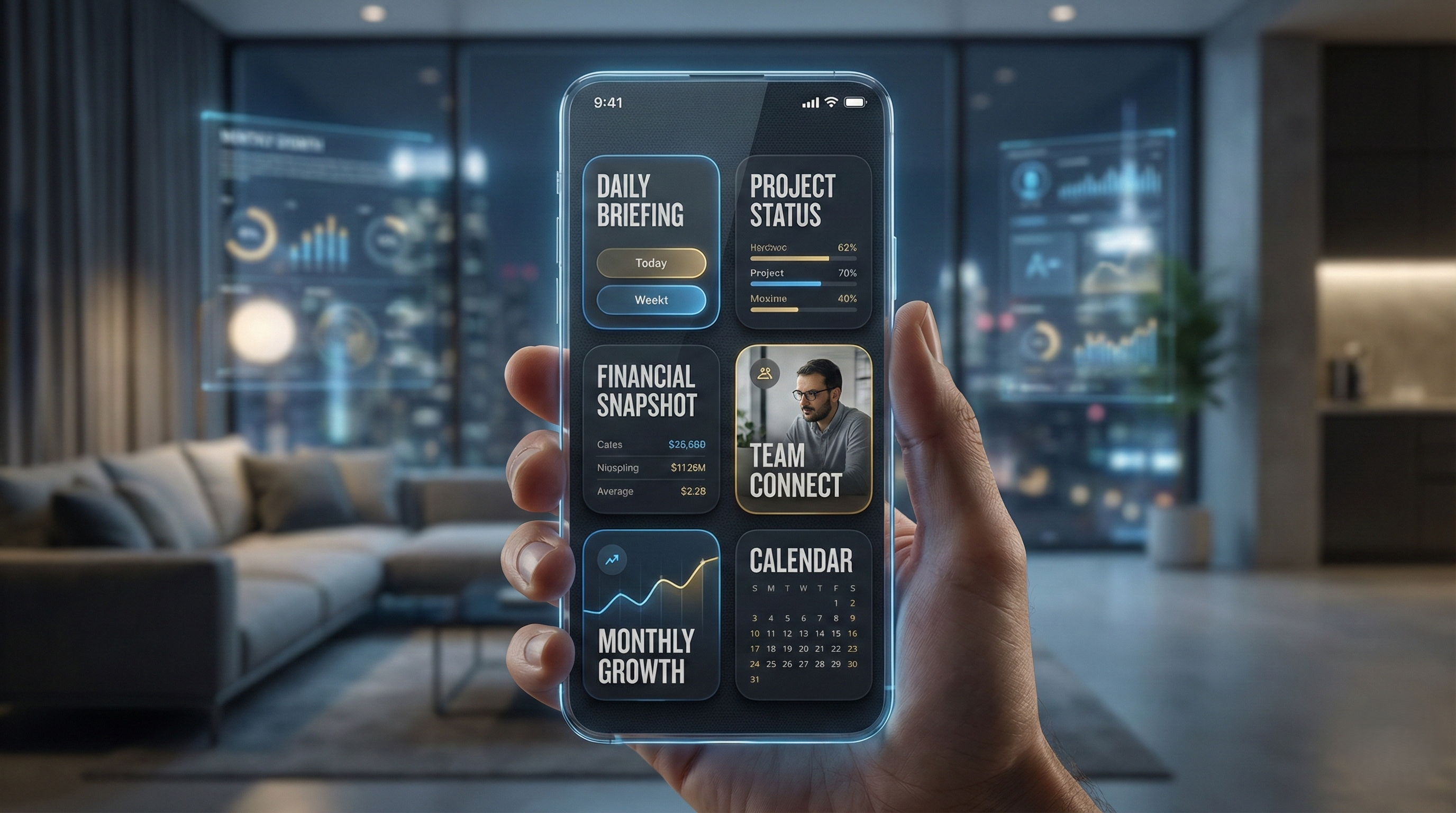
The visual language of 2024 is moving toward "Bento Box" layouts and bold typography. We are seeing a shift away from overly complex gradients toward flat, high-clarity designs that prioritize readability.
Bento Box Layouts
Inspired by Apple’s hardware marketing, the "Bento Grid" organizes information into neat, rounded rectangular boxes. This is particularly effective for mobile dashboards, where real estate is limited.
Dark Mode 2.0
Dark mode is no longer just "black backgrounds." It’s about "OLED Black," which saves battery life and reduces eye strain. Designers are now using deep navy and charcoal grays to create depth without using heavy shadows.
Design Insight: Modern UI requires a delicate balance of aesthetics and speed. Learn more about how our UI/UX Design Experts create visually stunning, high-performance interfaces.
6. The Technical Edge: Performance and Core Web Vitals
From an SEO perspective, UX and speed are inseparable. Google’s Interaction to Next Paint (INP) metric is now a critical factor. If your mobile UX is beautiful but sluggish, your rankings will suffer.
Why Speed is the Ultimate UX
Users expect an app to be interactive within 2 seconds. In 2024, we use "Optimistic UI" techniques-where the app shows the "Success" state immediately while the server processes the data in the background. This creates a perception of instantaneous speed.
Progressive Web Apps (PWAs)
For many businesses, a PWA is the perfect middle ground. It offers the "feel" of a native app (gestures, offline mode, push notifications) with the "reach" of a website.
Technical Advice: If your site feels slow on mobile, it might be time for a technical overhaul. Check out our Custom Software Development to see how we build high-speed, scalable mobile solutions.
Conclusion: The Path Forward in 2024
Mobile UX in 2024 is an exercise in empathy. It is about understanding that the user is likely distracted, in a hurry, or navigating with one hand. By implementing gesture-based navigation, leveraging AI for personalization, perfecting micro-interactions, and prioritizing accessibility, you aren't just building an app-you are building a relationship.
At Cinute Infomedia, we specialize in turning these trends into functional business tools. The digital landscape will continue to evolve, but the core principle remains the same: Design for the human, and the technology will follow.
Related Articles
Creating Stunning UI/UX Designs: Principles and Best Practices
Master the art of UI/UX design in 2026. Learn how to balance stunning visuals with seamless user journeys to drive engagement and boost conversions. From mobile-first imperatives to accessibility standards, discover the core principles that turn digital products into high-performing business assets.

Headless CMS with Sanity + Next.js: Decoupled Frontends for 2026
Discover how Sanity headless CMS combined with Next.js enables decoupled architecture for blazing-fast, SEO-optimized web applications. Build scalable solutions with independent frontend and backend development.
Social Media Strategy: Building Your Brand Online
Learn how to create a winning social media strategy that builds brand awareness, engages your audience, and drives business growth.