
Table of Contents
In 2026, a one-second delay in page load time can result in a 20% drop in conversions. Website performance is no longer a technical "extra"-it is a fundamental pillar of business growth. At Cinute Infomedia, we treat performance as the heartbeat of our Web Development Services, ensuring that every line of code serves the user’s need for speed.
Why Performance Matters for Your Bottom Line
- User Experience (UX): High-speed interactions build brand trust and reduce frustration.
- SEO Rankings: Google’s algorithms explicitly reward fast-loading sites, particularly those passing the Core Web Vitals assessment.
- Conversion Rates: Faster checkouts and lead forms translate directly into higher revenue.
Master the Core Web Vitals (CWV)
Google uses three specific metrics to quantify "speed" as a user perceives it. Understanding these is critical for any Digital Marketing strategy:
- LCP (Largest Contentful Paint): Measures loading performance. Aim for 2.5 seconds or faster.
- INP (Interaction to Next Paint): Measures responsiveness. This replaced FID and tracks how quickly a page reacts to user inputs.
- CLS (Cumulative Layout Shift): Measures visual stability. Prevent annoying "jumping" content to keep your score below 0.1.
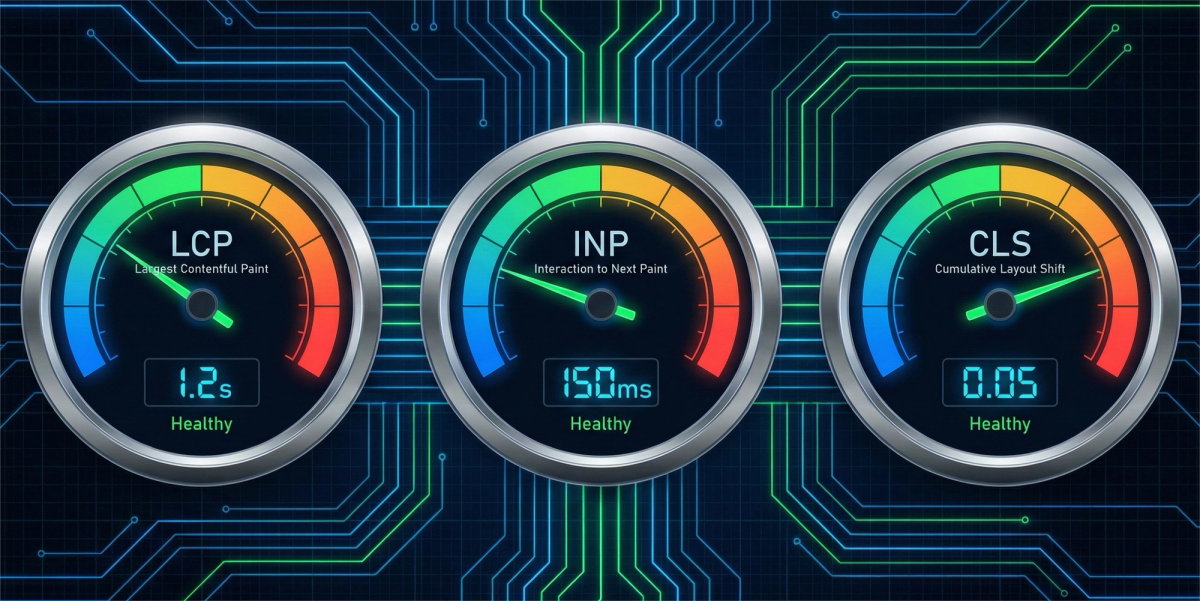
Image Optimization: The First Step to Speed
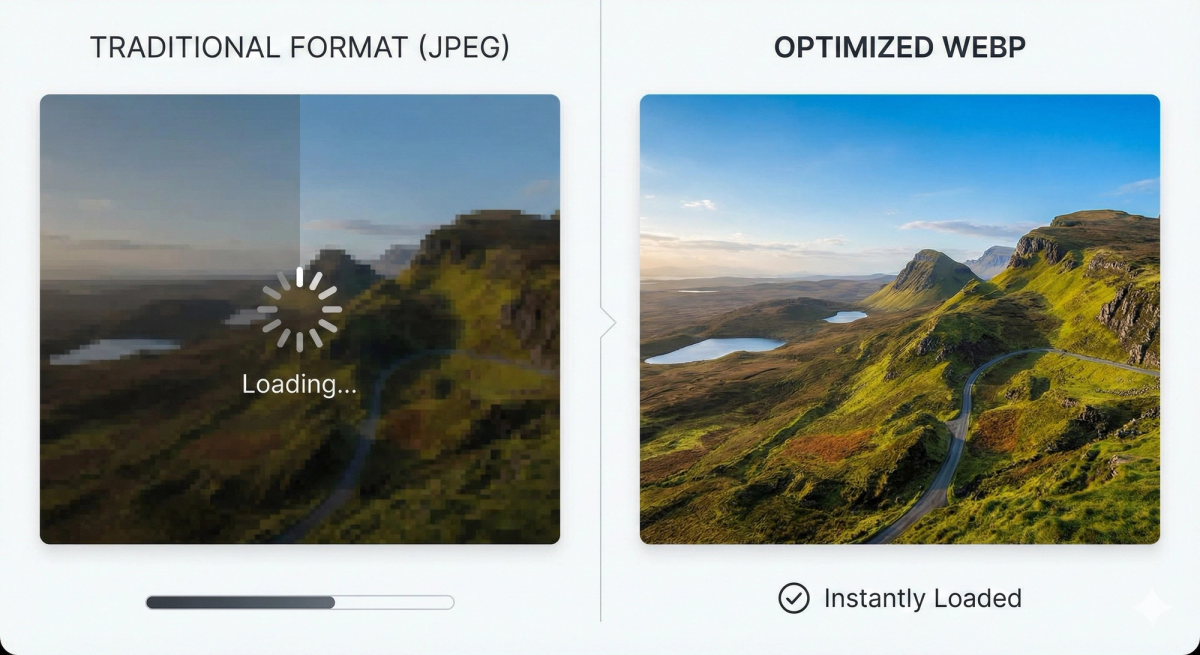
Heavy images are the #1 cause of slow websites. During the UI/UX Design phase, assets must be prepared for the web.
- Modern Formats: Transition from JPEG/PNG to WebP or AVIF for superior compression without quality loss.
- Lazy Loading: Instruct the browser to only load images as the user scrolls them into view.
- Responsive Images: Serve different image sizes based on the user's device (Mobile vs. Desktop) to save bandwidth.
Advanced Caching & Content Delivery
Caching allows your server to store "snapshots" of your site so it doesn't have to rebuild the page for every visitor. For global businesses, this is essential.
- Browser Caching: Store static assets (logos, CSS) on the user's local device.
- CDN Usage: Use a Content Delivery Network to serve your site from a server physically closest to the user.
- Server-Side Optimization: At Cinute Infomedia, our Mobile App Development and web teams use Redis or Varnish caching to handle high traffic spikes seamlessly.

Technical Debt and Code Minification
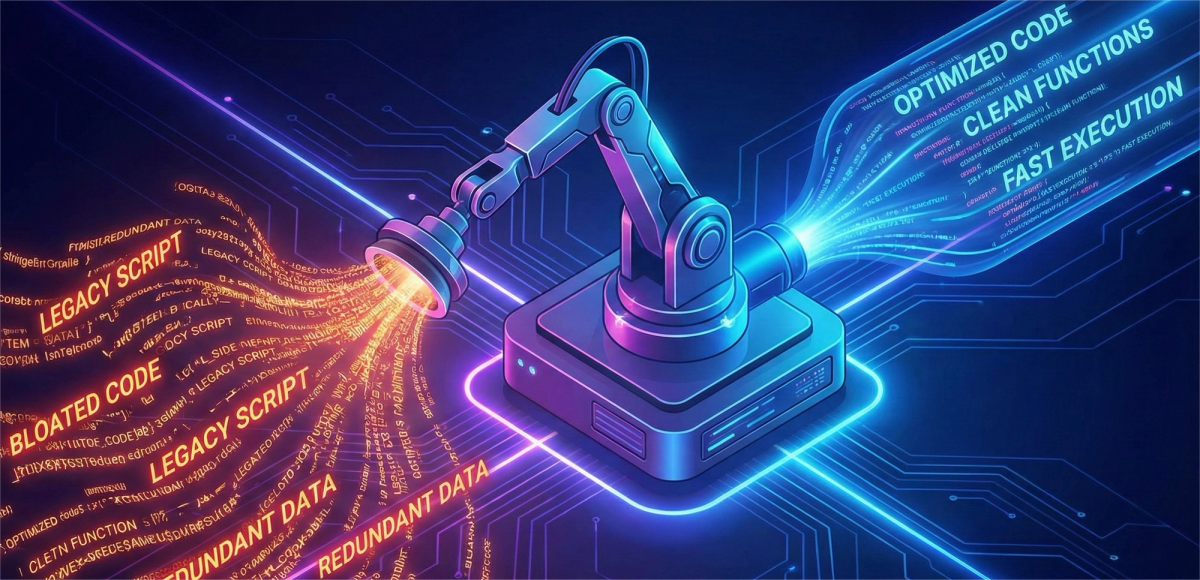
Bloated code is like a heavy anchor. Optimizing your backend is a core part of professional Custom Software Development.
- Minify CSS/JS: Remove unnecessary spaces, comments, and characters from your code files.
- Database Optimization: Clean up overhead in your database to ensure queries execute in milliseconds, especially for complex E-commerce Development projects with thousands of products.
Mobile Performance: The Speed of Mobile-First Indexing
Since Google uses mobile-first indexing, your mobile speed dictates your desktop ranking.
- Prioritize Critical Path CSS: Load only the styles needed for the "above the fold" content first.
- Avoid Heavy Third-Party Scripts: Limit the number of tracking pixels and external widgets that slow down the initial render on 4G/5G connections
Tools for Ongoing Performance Testing
Optimization is not a one-time task; it is a cycle. We recommend these tools for your internal audits:
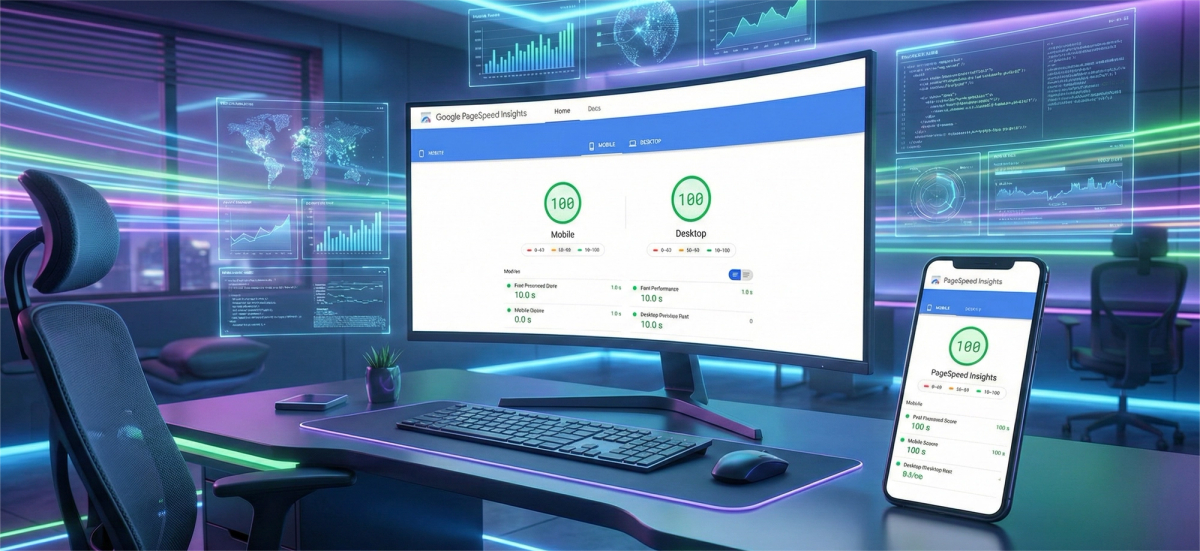
- Google PageSpeed Insights: The industry standard for CWV.
- Lighthouse: Built into Chrome for a deep dive into performance and accessibility.
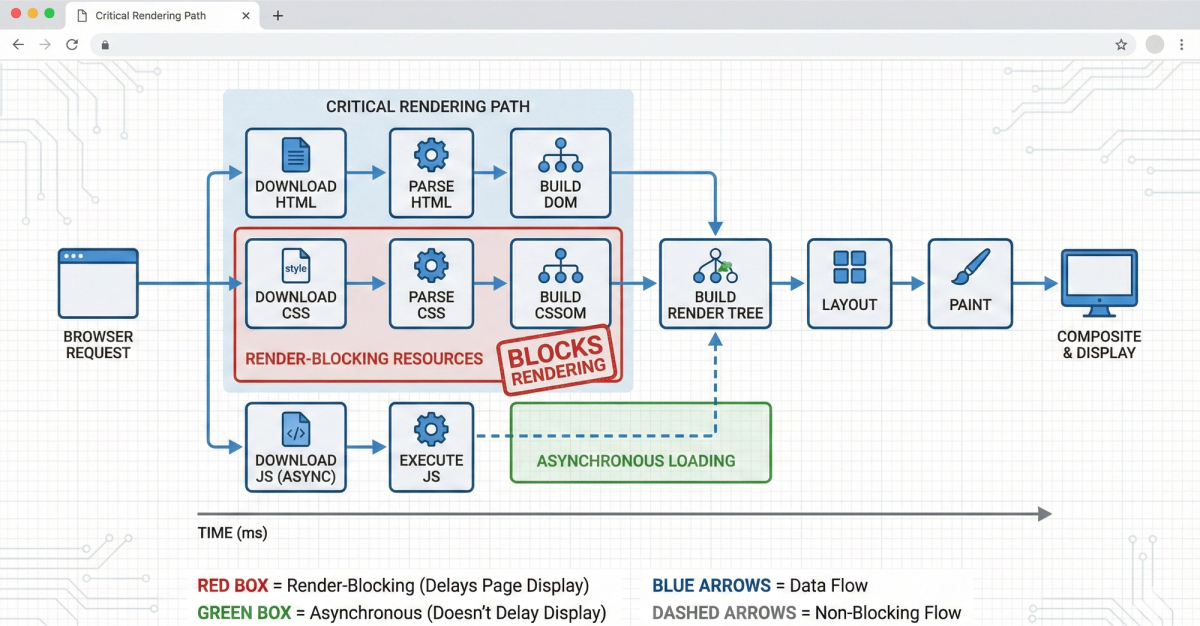
- GTmetrix: Great for visualizing the waterfall of how your site loads. The Critical Path: Render-Blocking Resources
Even a small website can feel slow if the browser has to wait for large files before it can show anything to the user. This is known as "Render-Blocking."
- Inline Critical CSS: For your UI/UX Design, we recommend extracting the CSS required for the visible part of the page and placing it directly in the HTML.
- Defer Non-Essential JavaScript: Move scripts that handle "extra" features (like chatbots or tracking) to the bottom of the page or use the
deferattribute. - Font Preloading: Ensure your brand's custom typography loads instantly by using
to prevent the "Flash of Unstyled Text" (FOUT).
Database Optimization for High-Traffic Scalability
Performance isn't just about the "Front-end." If your server takes 2 seconds to find a product in your database, the front-end speed won't matter. This is vital for E-commerce Development.
- Indexing: Think of this as the "Index" in a book; it allows the server to find data without reading every single row.
- Query Optimization: Avoid "Select *" queries that pull unnecessary data.
- Database Caching: Using tools like Redis to store the results of frequent database queries in the server's RAM for near-instant retrieval Security as a Performance Factor
Many people don't realize that security affects speed. A site under a DDoS attack or a site with bloated security plugins will crawl to a halt.
- HTTP/3 Integration: The latest version of the HTTP protocol reduces latency by handling data packets more efficiently.
- SSL/TLS Handshakes: Optimizing how your site establishes a secure connection can shave milliseconds off the initial "Time to First Byte" (TTFB).
- WAF (Web Application Firewall): A fast WAF filters out bot traffic at the edge, ensuring your server only spends resources on real human user Security as a Performance Factor
Many people don't realize that security affects speed. A site under a DDoS attack or a site with bloated security plugins will crawl to a halt.
- HTTP/3 Integration: The latest version of the HTTP protocol reduces latency by handling data packets more efficiently.
- SSL/TLS Handshakes: Optimizing how your site establishes a secure connection can shave milliseconds off the initial "Time to First Byte" (TTFB).
- WAF (Web Application Firewall): A fast WAF filters out bot traffic at the edge, ensuring your server only spends resources on real human users.
Conclusion: Partnering for a Faster Future
A fast website is the foundation of digital success. It improves your Digital Marketing ROI, satisfies Google's ranking factors, and provides a premium UI/UX Design experience.
At Cinute Infomedia, we specialize in turning slow, sluggish websites into high-performance revenue engines. Whether you need a ground-up build or a performance audit for your existing platform, our experts are here to help.
Ready to pass the Core Web Vitals test? Contact Cinute Infomedia today for a free performance audit or explore our Web Development Services to start your optimization journey.
Related Articles

Instagram Reels Algorithm 2026: A Simple Guide for Tech-Savvy Teams
The Instagram Reels algorithm in 2026 ranks videos by watch time, DM sends and likes per reach. This easy guide explains how Reels are tested, what changed recently, and a practical checklist for developers, marketers, CTOs and product teams.

Business Corporate Intranets: A Simple Guide for Tech Teams
Business corporate intranets give every employee one secure place for news, files, people and tools. This easy guide covers features, architecture, security and a step-by-step build plan for CTOs, developers, testers and marketers.

Brand Guideline Creation: A Step-by-Step Guide for Tech Brands
Brand guideline creation turns your logo, colours, fonts and voice into one clear rulebook for designers, developers, testers and marketers. This easy guide covers the core components, an 8-step process, design tokens for code, and how to connect your brand to SEO and AI.